

 Free Consultation
 PCI-DSS Compliant
 GDPR Ready
 ISO 27001
 NDA Protected
 AI Services
 AI App Development
 Generative AI Development
 AI Chatbot Development
 AI Integration Services
 AI Consulting Services
 AI For Fintech
 AI Financial Assistant Solution
 AI Insurance Agent Development
 Tech Stack
 OpenAI / GPT-4
 Claude / Anthropic
 Gemini / Google AI
 Llama / Open Source
 LangChain / LlamaIndex
 Pinecone / Pgvector
 AWS / Azure AI


 Fintech Solution
 Core Fintech
 App Development
 Neobank Solutions
 eWallet Solutions
 Lending Software
 Banking Solutions
 BNPL Solutions
 BNPL Solutions
 Insurance App
 Wealth Management
 Crypto & DeFi
 Blockchain Development
  Payroll Software
 DeFi Solutions
 Crypto Wallet
 Crypto On/Off Ramp
 Crypto Exchange
 Trading Platform
 Payments
 Compliance
 Regulations & Compliance
 Fraud Detection
 Lending Ecosystem
 P2P Lending Platform
 Mortgage Software
 Engagement
 Fintech Outsourcing

 Mobile Development
 Mobile App Dev
 iOS App Development
 Android App Development
 React Native
 Flutter Development
 Web Solution
 Node.js Development
 React.js Development
 Angular Development
 App Services
 UI/UX Design
 App Maintenance
 By Stage
 MVP Development
 Industry Solutions
 Healthcare App Dev
 Education App Dev
 Travel App Dev
 Real Estate App Dev
 Logistics Software
 Social Media App

 Hire Mobile Developers
 Hire iPhone Developers
 Hire Android Developers
 Hire React Native Devs
 Hire Flutter Developers
 Hire Web Developers
 Hire Node.js Developers
 Hire Angular Developers
 Hire PHP Developers
 Hire Laravel Developers
 How It Works
 Pre-Vetted Developers
 Ready In 48 Hours
 NDA From Day One
 Replace Guarantee
 Company
 About Us
 Our Work Process
 Portfolio
 Case Studies
 Blog / Insights
 Careers
 Contact Us
 Awards
 Recognition


 Offices



With an increasing number of mobile applications running successfully in the market, a glitch in your app performance can divert your app users, increasing churn rate.
Today, users can’t even tolerate a nanosecond delay in app loading, which results in negative reviews, a drop in app store rankings, lost revenue, increased abandonment rates, and uninstalls.
Here, mobile app performance optimization will rescue you.
What is that?
Mobile app performance optimization is the best way to improve an app’s responsiveness, speed, resource efficiency, and stability to deliver an effortless user experience across different devices and network conditions.
Outcomes you attain are minimized crashes, mitigated load times, optimized memory and battery usage, and seamless interactions throughout the mobile app lifecycle. Ultimately, optimized apps drive increased customer satisfaction, higher engagement, and robust conversion rates.
How to optimize mobile app performance?
The mobile app performance optimization guide will put forth the significance of app optimization, metrics to track, techniques & tools to choose for monitoring and optimization, best practices for performance testing, and more. The major attraction that we will unveil as a bonus for you is the best way to leverage SEO or ASO for increased app discoverability.
Keep reading!
Why Mobile App Performance Optimization Matters?
Let you know, mobile app performance optimization is crucial for determining an app’s success in a competitive digital landscape.
Here, we will discuss how app optimization helps in the long run.
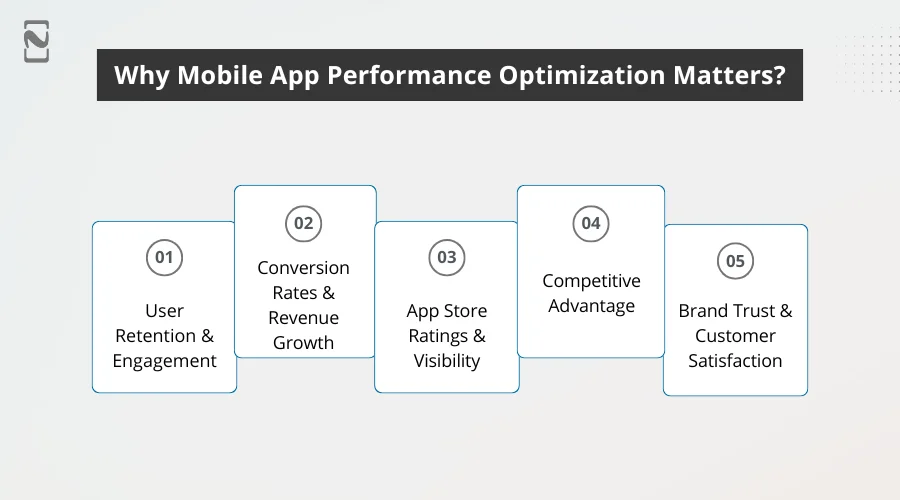
1. User Retention & Engagement
Users get frustrated with laggy interactions, slow load times, or frequent crashes, which elevates uninstall rates.
Mobile app optimization helps you deliver smoother navigation and rapid responses, motivating users to stay longer and frequently return. This eventually increases user retention on your app.
2. Conversion Rates & Revenue Growth
Performance is directly proportional to conversions.
With faster apps, you can diminish friction during crucial actions, such as checkouts, sign-ups, and payments, resulting in increased conversion rates and revenue.
3. App Store Ratings & Visibility
You should know that app stores always prioritize user experiences.
If your app is performing poorly, it will attract lower ratings and negative reviews that will notably drop app visibility.
Improve mobile app performance and optimize it to maintain positive ratings and escalate app store rankings.
4. Competitive Advantage
Obviously, the market is full of multiple apps that offer similar features; in this case, performance appears as a key differentiator.
Well-optimized apps outshine the competitors by delivering higher stability, usability, and speed.
5. Brand Trust & Customer Satisfaction
A high-performing mobile app showcases professionalism and reliability.
With consistent performance, you can foster user trust, reinforce brand credibility, and improve customer satisfaction.
Simply put, mobile app performance optimization is more than a technical enhancement factor; it’s a strategic business investment that directly influences user loyalty, growth, and enduring success.
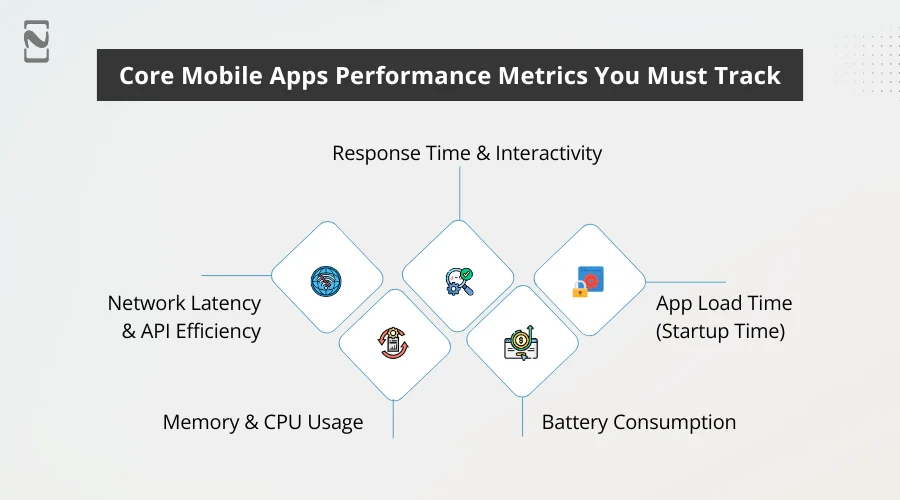
Core Mobile App Performance Metrics You Must Track
If you want to understand your mobile app’s behavior in real-world conditions and how users experience it, you should track the right mobile app performance metrics.
So forth, you can recognize bottlenecks, avoid performance-relevant user drop-offs, and boost usability.
Let’s talk about metrics you should track.
-
Response Time & Interactivity
Response time tells how swiftly the app reacts to every user action, such as form submission, swipes, or taps.
Delayed interactions highlight your app as unresponsive and sluggish.
Real-time feedback is essential to boost usability, foster trust in the app’s reliability, and keep users engaged.
-
App Load Time (Startup Time)
App load time depicts how quickly the app becomes usable after a user taps the icon.
With lengthy startup times, your app will deliver a poor first impression and notable augmentation in abandonment rates. You need to reduce mobile app load time.
Ensure faster load times to increase user satisfaction, enhance perceived quality, and mitigate early app exits – specifically for first-time users.
-
Battery Consumption
You can measure the power consumption of your app during background and active operations through battery consumption metrics.
Apps that drain battery quickly frustrate users and are usually uninstalled.
With efficient battery consumption, you can boost user satisfaction and increase app utilization, specifically for those that are picked up frequently throughout the day.
-
Memory & CPU Usage
This mobile app performance metric, memory and CPU optimization mobile app, shows how effectively the app employs device resources.
Excessive usage can lead to overheating, slow performance, or unexpected crashes.
Through optimized resource usage, you can ensure better scalability, seamless multitasking, and consistent performance across various device types.
-
Network Latency & API Efficiency
Through network latency, you can track the delay in data transfer between the servers and apps, while API development helps you evaluate efficiency and how efficiently data requests are handled.
High latency results in incomplete actions and slow loading screens.
Network call optimization ensures smoother experiences, rapid data retrieval, and better performance on unstable or slow connections.
Top App Performance Optimization Techniques
Well, mobile app performance improvement is not as easy as it sounds; you need to follow a balanced approach combining efficient networking, clean code, a responsive user interface, and resource management.
Below, we will discuss app performance optimization techniques that have a significant impact and can help teams achieve measurable performance benefits.
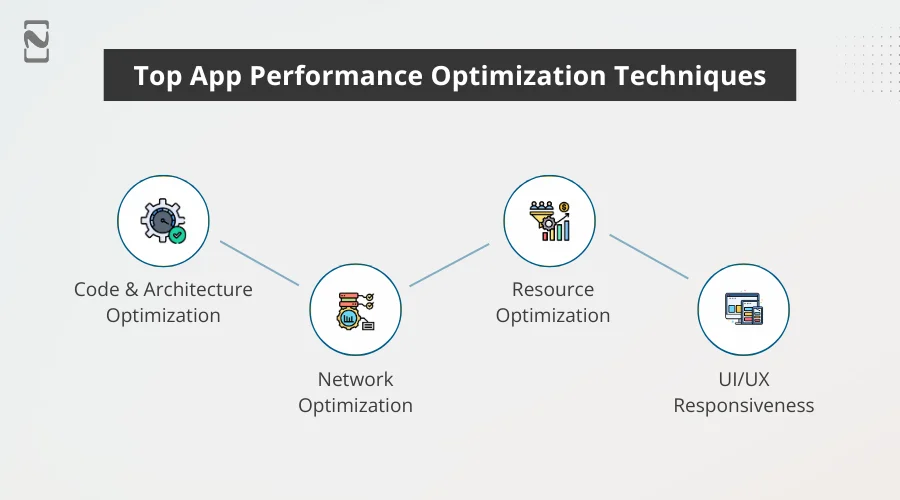
1. Code & Architecture Optimization
First, you should know that a robust base is essential for lasting performance.
For that:
- Eliminate dead code and unnecessary computations by routinely auditing codebases that remove unused libraries, background tasks, and methods that silently consume memory and CPU.
- Adopt a scalable and modular architecture, such as clean architecture, MVVM, or VIPER, that avoids performance regressions and improves maintainability with growing apps.
- Leverage background and asynchronous processing to move heavy operations, like encryption, data parsing, and file I/O, off the main thread to keep up app responsiveness and user experience.
- Optimize rendering pipelines by diminishing irrelevant layout passes and re-rendering to maintain seamless frame rates, particularly in animation-heavy scenes.
UX Impact: Fewer freezes, rapid interactions, and a consistently effortless experience across devices.
2. Network Optimization
Did you know that a major factor behind your app’s slow and unreliable performance is network inefficiencies?
You need to:
- Diminish payload size by compressing JSON responses, utilizing effective data formats where feasible, and eliminating redundant fields.
- Reduce API calls with cache responses, batch requests, and stay away from repeated calls for static data.
- Optimize for poor network scenarios by leveraging retry mechanisms, offline modes, and timeouts for usability maintenance while being on slow networks.
- Implement smart caching strategies for mobile apps to allow data access locally, which mitigates dependency on network availability.
UX Impact: Flawless transactions, quicker loading screens, and fewer interruptions during significant user actions.
3. Resource Optimization
Remember, effective device resource utilization directly influences performance and stability.
For that:
- Optimize media assets and images, harnessing tight resolutions, implement lazy loading in mobile apps, and compress images to mitigate memory usage.
- Restrict background processes by avoiding unnecessary background services that drain battery and CPU.
- Monitor memory overuse and leaks through early recognition to stay away from slowdowns and crashes, especially on low-end devices.
- Reuse resources whenever possible by avoiding the usual memory allocation, reusing views, and pooling objects.
UX Impact: Longer battery life, escalated scalability, and better performance on low-spec or older devices.
4. UI/UX Responsiveness
Just like actual speed, perceived performance also holds the same significance.
You should:
- Ensure consistent frame rates by optimizing animations to maintain 60 FPS or even higher for a smooth visual experience.
- Utilize skeleton screens and placeholders showcasing content previews or loading indicators to keep users engaged during data loads.
- Avoid clogging UI interactions, keeping navigation and gestures responsive, even while background operations are running.
- Prioritize above-the-fold content by loading necessary UI elements first, which makes the app feel quicker.
UX Impact: Better engagement, diminished frustration, and a more professional, polished user experience.
Tip: Make your application come out on top by applying these app performance optimization techniques and allowing your teams to deliver more stable, rapid, and user-focused mobile apps.

Tools for Monitoring & Optimization
After you implement mobile app performance optimization, you need continuous monitoring and refinement.
With the right tools, you can help teams understand real-user behavior, identify issues early, and optimize performance based on real data, not assumptions.
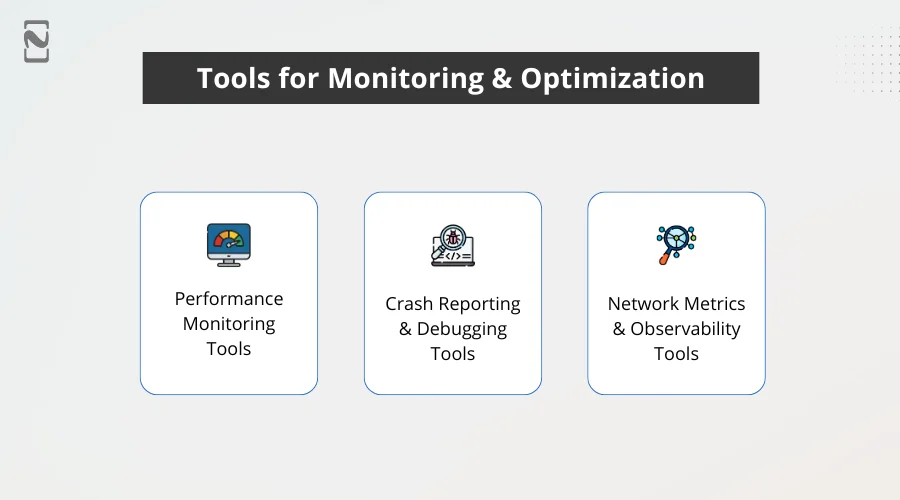
1] Performance Monitoring Tools
Using these tools, you get visibility into how your application performs in real-world scenarios, across varied devices, network types, and OS versions.
Tools Required
- New Relic
- Firebase Performance Monitoring
- AppDynamics
Significance: Such tools unveil performance hurdles before users even notice, activate swift fixes, and provide a more stable experience.
2] Crash Reporting & Debugging Tools
You can harm app ratings and user trust if your app crashes or is caught up in bugs. You need to focus on the mobile app crash rate improvement.
With crash reporting tools, you can locate and resolve such issues rapidly.
Tools Required:
- Sentry
- Instabug
Significance: Through rapid crash resolution, you can diminish negative reviews, empower user confidence, and boost app stability.
3] Network Metrics & Observability Tools
For mobile app responsiveness, you should pay attention to network performance, specifically if your app is data-driven.
Tools Required:
- Grafana
- Datadog
Significance: Through network monitoring tools, you can ensure quick data delivery, reliable performance, and seamless interactions, even under dynamic network conditions.
Tip: Ensure fusing crash analytics, performance monitoring, and network observability tools to proactively reduce downtime, optimize mobile app performance, and deliver consistently high-quality user experiences that drive growth and retention.
A Quick Recap of App Performance KPIs for Developers
| Category | Tool | Primary Use Case | Key Benefits for UX & Performance |
| Performance Monitoring | Firebase Performance Monitoring | Track app startup time, screen rendering, and network requests | Identifies slow screen and load-time issues affecting user retention |
| Performance Monitoring | New Relic | End-to-end performance analytics and transaction tracing | Detects bottlenecks before they affect critical user flows |
| Performance Monitoring | AppDynamics | Business transaction and application flow monitoring | Link performance cases to conversions and revenue impact |
| Crash & Debugging | Instabug | In-app bug reporting and crash diagnostics | Faster issue resolution through contextual user feedback |
| Crash & Debugging | Sentry | Real-time crash tracking with detailed stack traces | Reduces app crashes and escalates stability across platforms |
| Network Metrics | Datadog | API performance, latency, and backend monitoring | Ensures fast data delivery and seamless app interactions |
| Network Metrics | Grafana | Performance visualization and trend analysis | Helps teams spot performance anomalies and optimize over time |
Mobile App Performance Testing Best Practices
Through mobile app performance testing, your app can deliver a stable, rapid, and flawless experience before and after the launch.
Remember not to acknowledge mobile app testing as a one-time task, as high-performing applications make it a consistent and practical process.
Below, we will discuss real-world best practices you can opt for to detect issues early and optimize confidently.
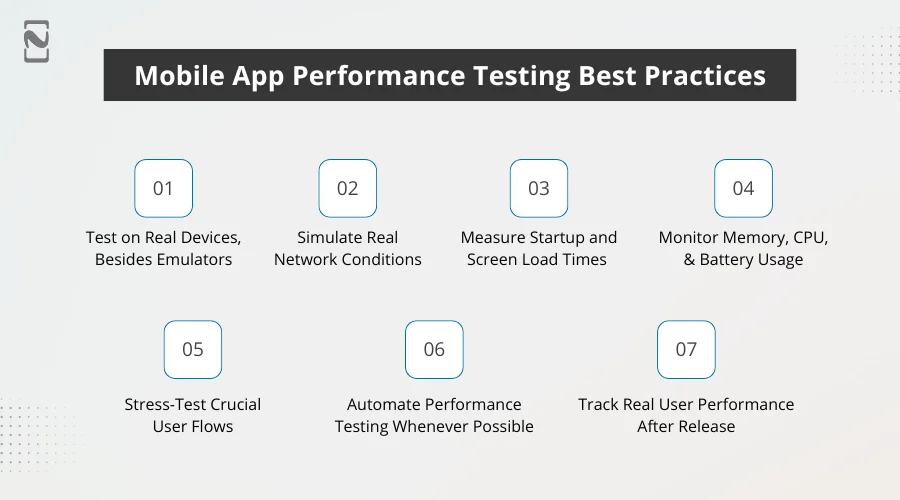
1. Test on Real Devices, Besides Emulators
Emulators are handy, but fail to completely replicate real-world conditions.
Perform app testing on physical devices with distinct hardware abilities, screen sizes, and OS versions to understand how your application functions for real users.
Significance: Through real-device testing, you can uncover performance issues that emulators usually miss, like hardware-specific slowdowns and memory constraints.
2. Simulate Real Network Conditions
Choose different network scenarios to test your app, like 2G, 3G, 4G, 5G, and also unstable Wi-Fi connections.
Most often, the users operate under less-than-ideal situations.
Significance: So forth, you can ensure constant usability and performance when in fluctuating network speeds.
3. Measure Startup and Screen Load Times
Track warm start, hot start, and cold start times, and how long each screen takes to load.
Significance: Screen transitions and slow startups are the major reasons why users abandon the apps early.
4. Monitor Memory, CPU, and Battery Usage
Your testing team should conduct performance tests while monitoring resource consumption, particularly during high-usage flows, such as real-time updates or video playback.
Significance: Excessive resource usage results in overheating, crashes, and battery drain, which are the key uninstallation drivers.
5. Stress-Test Crucial User Flows
You should test how your app behaves while there’s a heavy data load or peak usage, such as background tasks or multiple API calls simultaneously running.
Significance: Stress testing assists in revealing scalability issues before they impact real users.
6. Automate Performance Testing Whenever Possible
Seamlessly integrate performance testing into your CI/CD pipeline to locate regressions with each new build.
Significance: Continuous testing safeguards the app from degrading performance over time.
7. Track Real User Performance After Release
Post the app launch, you should leverage the power of monitoring tools to deeply analyze user behavior and performance metrics.
Significance: Real-world data underscores performance issues that pre-release testing might miss capturing.
Tip: Follow these mobile app performance best practices to reduce crashes, prevent slowdowns, and provide reliable app experiences that support lasting growth and meet user expectations.
Leveraging SEO/ASO for App Discoverability
Mobile app performance optimization and discoverability move together.
Even if your app is performing best, it will struggle to expand if it’s not discoverable to users.
Here, combine ASO (App Store Optimization) and SEO (Search Engine Optimization) strategies to notably augment the app’s visibility, long-term engagement, and downloads.
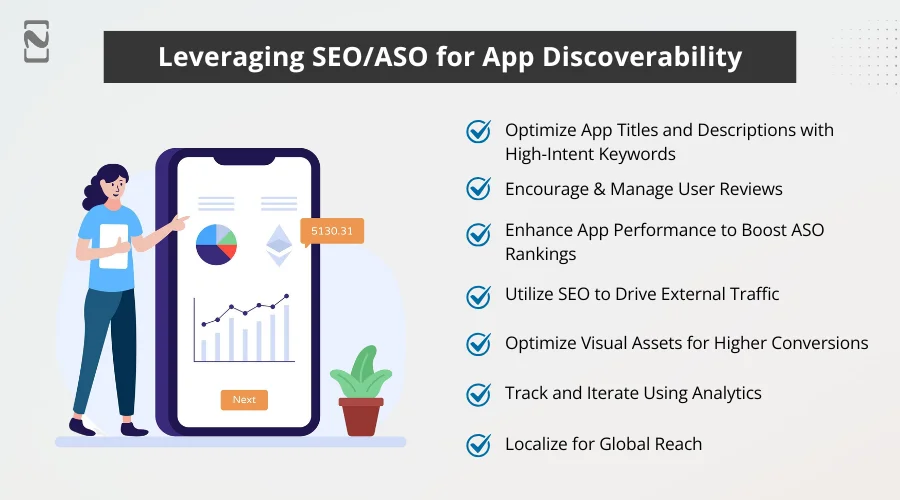
► Optimize App Titles and Descriptions with High-Intent Keywords
Choose relevant and intent-based keywords for your app title, description, and subtitles.
Ensure that users actively search for the terms you use, despite just selecting generic feature lists.
Why it’s important: Search engines and search algorithms heavily depend on keyword relevance to let the apps rank higher.
► Encourage and Manage User Reviews
Remind satisfied users to leave reviews after completing tasks or successful interactions at the right moment.
Why it’s important: Positive reviews escalate credibility, boost conversion rates, and reinforce ASO performance.
► Enhance App Performance to Boost ASO Rankings
Keywords and visuals are not enough to rank your apps on app stores.
App stores incorporate performance signals like load times, user retention, and crash rates; thus, they evaluate app performance in real-world usage.
Why it’s important: More stable, faster apps receive better reviews and ratings, which directly impacts app store visibility.
► Utilize SEO to Drive External Traffic
Create SEO-optimized blogs, landing pages, and documentation linking to your app. Thus, you can make your app discoverable and drive external traffic.
Why It’s Important: Through external traffic, you can improve your brand authority and boost your app discoverability beyond app stores.
► Optimize Visual Assets for Higher Conversions
You should leverage high-quality videos, screenshots, and icons that clearly communicate performance benefits and value.
Why it’s important: By optimizing visuals, you can elevate click-through and install rates, highlighting relevance to app store algorithms.
► Track and Iterate Using Analytics
Prioritize monitoring keyword rankings, user behavior, and conversion rates to refine ASO and SEO strategies consistently.
Why It’s Important: Through data-driven optimization, you can make sure your app stays discoverable as user trends and algorithms evolve.
► Localize for Global Reach
Translate descriptions, visuals, and keywords for different languages and regions to localize your app and expand its reach globally.
Why It’s Important: Localization augments relevance in regional app store searches and increases your global user base.
How Nimble AppGenie Improves Mobile App Performance and User Experience
At Nimble AppGenie, a leading mobile app development company, we help all sizes deliver stable, rapid, and user-centric mobile apps that drive retention, engagement, and growth.
We follow mobile app performance optimization that focuses on detecting bottlenecks, enhancing efficiency, and improving real-world user experience across different platforms.
What We Do:
- Code & Architecture Optimization
- In-Depth Performance Audit
- Network & Backend Performance Enhancement
- UI/UX Responsiveness Optimization
- Resource & Battery Optimization
- Continuous Monitoring & Performance Testing
Why Nimble AppGenie?
- We have proven expertise and experience in mobile app optimization.
- We aim for technical excellence and user experience
- Our team follows a data-backed approach with measurable outcomes.
- We build customized solutions suiting your business objectives.
Want more proof?
Performance Optimization Case Study
Client: On-demand mobile app (iOS & Android)
Challenges: Slow startup, low ratings, and frequent crashes
Key Issues Identified:
- App startup time > 6 seconds
- Slow API responses and UI lag
- High crash rate on low-end devices
Optimization Actions We Took:
- Enhanced UI responsiveness with progressive loading
- Refactored heavy code and eliminated unused libraries
- Fixed memory leaks and optimized media assets
- Optimized API calls and implemented caching
Results:
- 3 seconds reduced the startup time
- 2 to 4.4 improved app store rating
- 9% to 0.8% drop in crash rate
- 17% increased 20-day user retention
Outcome Attained: Better user experience, increased organic installs, and higher ratings, highlighting performance as a key driver of app expansion.
Conclusion
Mobile app performance optimization is a critical aspect for user engagement, retention, and business growth.
Users get frustrated with inefficient resources, crashes, and slow load times, which directly affect ratings, ranking, and revenue.
So, by implementing best practices in network, code, and UI/UX optimization, tracking core performance metrics, and consistently monitoring app performance using the right tools, businesses can deliver stable, faster, and reliable apps.
When coupled with ASO and SEO strategies, optimized applications become highly rated, more discoverable, and capable of attracting long-term growth.
Partnering with professionals like Nimble AppGenie, you can ensure your app’s flawless performance and deliver a unique user experience, assisting your business to stay ahead of the curve in a competitive mobile-first world.
FAQs

Niketan Sharma, CTO, Nimble AppGenie, is a tech enthusiast with more than a decade of experience in delivering high-value solutions that allow a brand to penetrate the market easily. With a strong hold on mobile app development, he is actively working to help businesses identify the potential of digital transformation by sharing insightful statistics, guides & blogs.
Table of Contents




No Comments
Comments are closed.