

 Free Consultation
 PCI-DSS Compliant
 GDPR Ready
 ISO 27001
 NDA Protected
 AI Services
 AI App Development
 Generative AI Development
 AI Chatbot Development
 AI Integration Services
 AI Consulting Services
 AI For Fintech
 AI Financial Assistant Solution
 AI Insurance Agent Development
 Tech Stack
 OpenAI / GPT-4
 Claude / Anthropic
 Gemini / Google AI
 Llama / Open Source
 LangChain / LlamaIndex
 Pinecone / Pgvector
 AWS / Azure AI


 Fintech Solution
 Core Fintech
 App Development
 Neobank Solutions
 eWallet Solutions
 Lending Software
 Banking Solutions
 BNPL Solutions
 BNPL Solutions
 Insurance App
 Wealth Management
 Crypto & DeFi
 Blockchain Development
  Payroll Software
 DeFi Solutions
 Crypto Wallet
 Crypto On/Off Ramp
 Crypto Exchange
 Trading Platform
 Payments
 Compliance
 Regulations & Compliance
 Fraud Detection
 Lending Ecosystem
 P2P Lending Platform
 Mortgage Software
 Engagement
 Fintech Outsourcing

 Mobile Development
 Mobile App Dev
 iOS App Development
 Android App Development
 React Native
 Flutter Development
 Web Solution
 Node.js Development
 React.js Development
 Angular Development
 App Services
 UI/UX Design
 App Maintenance
 By Stage
 MVP Development
 Industry Solutions
 Healthcare App Dev
 Education App Dev
 Travel App Dev
 Real Estate App Dev
 Logistics Software
 Social Media App

 Hire Mobile Developers
 Hire iPhone Developers
 Hire Android Developers
 Hire React Native Devs
 Hire Flutter Developers
 Hire Web Developers
 Hire Node.js Developers
 Hire Angular Developers
 Hire PHP Developers
 Hire Laravel Developers
 How It Works
 Pre-Vetted Developers
 Ready In 48 Hours
 NDA From Day One
 Replace Guarantee
 Company
 About Us
 Our Work Process
 Portfolio
 Case Studies
 Blog / Insights
 Careers
 Contact Us
 Awards
 Recognition


 Offices



TL;DR
- Should a startup use Firebase or AWS? Firebase is Google’s Backend-as-a-Service (BaaS) ideal for startups, MVPs, and real-time apps. Fast to set up, easy to use, generous free tier.
- AWS is Amazon’s cloud powerhouse with 200+ services best for large-scale, enterprise-grade apps that need full control and flexibility.
- Firebase wins on speed and simplicity. AWS wins on scalability and customization.
- For mobile apps, Firebase is usually the faster and cheaper starting point.
- For enterprise apps with complex needs, AWS gives you more room to grow.
- Your choice depends on your app’s size, team, budget, and long-term goals.
- Nimble AppGenie helps you pick the right backend and build your app the right way, faster.
You have decided to build an app. You have the best app idea, maybe even the wireframes. But, then your team asks: “What backend are you going to use?”
And your eyes land on two names that keep coming up everywhere – Firebase and AWS. Both are powerful and backed by tech giants, which one should you choose?
Firebase vs AWS, which is better for startups?
Honestly, picking the wrong backend not only slows you down but can also cost you thousands in rework and lead to performance issues as traffic grows. It also makes your app harder to maintain as it scales.
This blog breaks down everything in simple terms. Whether you are a developer, a founder, or someone only trying to understand which tools fit your project, by the end, you will know exactly which one to choose.
What is Firebase?
Firebase is Google’s app development platform. Created back in 2011, Firebase was acquired by Google in 2014. Since then, it has expanded into one of the most widespread Back-end-as-a-Service (BaaS) platforms for web and mobile developers.
Think of it as a ready-made backend kitchen – everything you need is already set up. You only need to walk in and start cooking.
What Firebase gives you out of the box:
- Firebase Hosting: Deploy your web app fast, globally
- Cloud Messaging (FCM): Send push notifications to users
- Cloud Functions: Run server-side logic without managing servers
- Analytics & Crashlytics: Track how your app performs and catch bugs before users do
- Firebase Authentication: Let users sign in with Google, Facebook, email, phone, or Apple – all with a few lines of code
- Realtime Database & Cloud Firestore: Store and sync data across devices in real-time, without writing a single line of server code. Most founders ask: Can Firebase scale for large-scale applications? With Cloud Firestore, Firebase can scale for large-scale applications.
Firebase works especially well with modern app development frameworks and Flutter app development tools, making it ideal for rapid MVPs.
Who uses Firebase? Startups, teams, and developers that need to move fast. Apps like Gameloft, Duolingo, and Hotstar have used Firebase at multiple stages.
Bottom Line for Firebase: You don’t need to be a backend expert to use it. It manages the heavy lifting so your team can aim at building features users love.
What is AWS?
AWS (Amazon Web Services) is Amazon’s cloud computing platform. If Firebase is a ready-made kitchen, AWS is an industrial kitchen where you can create any layout you want, but you have to set it all yourself.
In 2006, AWS was launched, and today, it holds over 32% of the global cloud market. It offers 200+ services covering storage, AI, compute, machine learning, security, networking, and more.
It is often compared with platforms like AWS, Azure, and Google Cloud Platform when evaluating enterprise cloud solutions.
Key AWS services that matter for app development:
- S3 – File and object storage
- EC2 – Virtual servers (you control everything)
- DynamoDB – NoSQL database (fast, scalable)
- API Gateway – Build, publish, and manage APIs
- AWS Amplify – Firebase’s closest equivalent within AWS
- Cognito – User authentication and access management
- RDS / Aurora – Relational databases (MySQL, PostgreSQL, etc.)
AWS offers deep backend development services for teams that need full control over infrastructure.
Who uses AWS: Airbnb, Netflix, Uber, Samsung, and NASA. If it is a large-scale app or an enterprise system, AWS is expected to power it somewhere.
Bottom Line on AWS: AWS offers you unlimited control. But that control comes with complexity. It’s not something you choose in an afternoon.
Firebase vs AWS: Head-to-Head Comparison
This section will help you understand: what is the difference between Firebase and AWS?
The primary difference is that Firebase is a Backend-as-a-Service (BaaS) focused on faster app development with managed services, while Amazon Web Services (AWS) is a complete Infrastructure-as-a-Service (IaaS) platform providing low-level control and 200+ specialized services.
Here, we will compare them across the aspects that matter most in web and mobile app development.
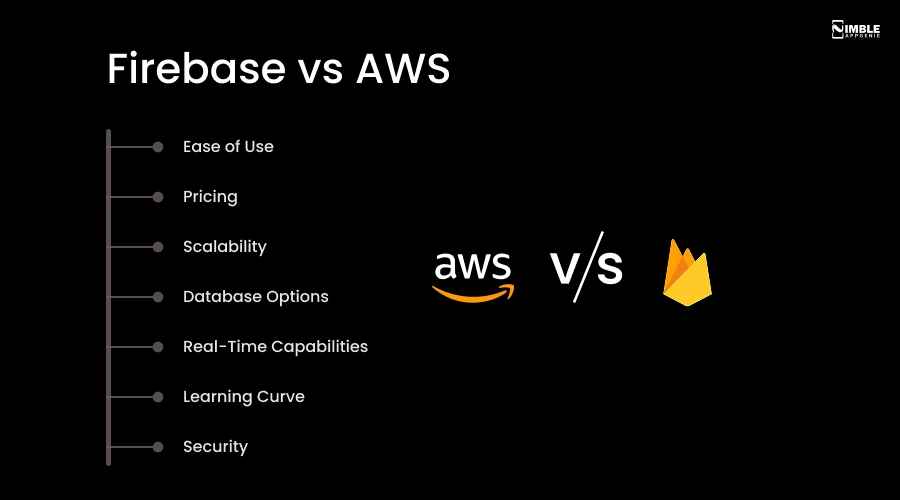
1. Ease of Use
Firebase is designed for speed. It takes around 30 minutes to set up user authentication. The dashboard is clear, various services work without deep configuration, and the documentation is beginner-friendly.
AWS is designed for power. It can take a day or more to set up the same authentication with AWS (using Cognito + IAM + API Gateway + Lambda), and it needs knowledge of various interconnected services.
| Winner: Firebase, especially for small teams or those without a dedicated DevOps engineer. |
2. Pricing
Firebase has a Spark (free) plan that doesn’t even need a credit card. The Blaze (pay-as-you-go) plan kicks in as you scale. For small to medium apps, Firebase is more predictable and cheaper.
AWS free tier is for 12 months across various web and mobile app development services. But it has complex pricing. At a large scale, AWS can become more cost-efficient because of reserved pricing options and volume discounts.
| Rule of thumb: Firebase is cheaper and simpler at a small scale. AWS becomes more cost-efficient at enterprise scale if managed carefully. |
3. Scalability
Firebase vs AWS scalability.
Firebase automatically scales. Firestore manages increasing traffic without your help. That said, there are restrictions when you are talking about exceptionally high-traffic applications or very huge datasets.
AWS is created for massive scale. Whether you are handling 100 or 100 million users, AWS offers you full control over how and when you scale. Load balancers, auto-scaling, and global regions – AWS has the tools for all.
| Winner: AWS, which is best for large enterprises and apps looking for explosive growth. |
4. Database Options
Firebase offers you two options: Firestore (top recommended) and the older Realtime Database. Both are NoSQL, simple, great, and fast for mobile apps.
AWS offers you a complete buffet: RDS (relational), Redshift (data warehousing), DynamoDB (NoSQL), Aurora (high-performance), and more.
| Winner: AWS, best for apps with complex and varied data needs. |
5. Real-Time Capabilities
Firebase was actually built for real-time. It’s Firestore and Realtime Database sync data across all connected devices instantly – no additional configuration needed. It’s perfect for live dashboards, chat apps, multiplayer games, and collaborative tools.
AWS provides real-time capabilities through AWS AppSync, and setting it up is notably more complex than Firebase.
| Winner: Firebase, by a mile, for real-time use cases. |
6. Learning Curve
Firebase is beginner-friendly. Even a small startup or solo developer can be productive within days.
AWS has a steep learning curve. You will need to understand VPC, EC2, Lambda, IAM, and more just to get started.
| Winner: Firebase, if your team doesn’t have deep cloud infrastructure experience. |
7. Security
Firebase has robust built-in security. Encryption, authentication, and security rules are easy to configure.
AWS offers enterprise-grade security with compliance certification for PCI DSS, HIPAA, FedRAMP, GDPR, and more. For regulated industries, like fintech, healthcare, or government, AWS is the safer choice.
| Winner: AWS – for highly regulated industries. |
Quick Comparison Table
| Feature | Firebase | AWS |
| Ease of Setup | Very Easy | Complex |
| Real-Time Data | Built-In | Requires Setup |
| Scalability | Good, limited at a massive scale | Unlimited |
| Pricing (Small Apps) | Cheaper | Can be expensive |
| Pricing (Large Apps) | Gets costly | Better with volume |
| Database Options | NoSQL only | SQL + NoSQL + more |
| Security & Compliance | Good | Enterprise-grade |
| Learning Curve | Low | Steep |
| Best For | Startups, MVPs, Real-Time Apps | Enterprises, Complex Apps |
Firebase vs AWS for Mobile App Development – Which Should You Choose?
The honest answer to this is: it depends on where your app is right now and where you want it to reach. Your choice also depends on the backend frameworks your team is comfortable working with.
Choose Firebase If:
- You are building an MVP or prototype and want to launch fast.
- You have a small team or limited backend proficiency.
- Your app needs real-time features like live feeds, chat, or collaborative tools.
- You are a startup watching your budget.
- You don’t want to spend weeks on infrastructure setup. As a Backend as a Service, Firebase eliminates the need to manage infrastructure.
- Your app is mobile-first (Android or iOS).
Choose AWS If:
- You are developing a large-scale or enterprise app.
- You need complete control over your infrastructure.
- You are already in the AWS ecosystem or planning complex integrations.
- Your app requires meeting compliance needs (finance, healthcare, or government).
- You have a dedicated engineering or DevOps team.
- Your app will manage millions of users or data-heavy workloads.
Can You Use Both?
Yes, and various successful apps do the same. It’s called a hybrid architecture. You should also know that both Firebase and AWS play a key role in modern cloud app development strategies.
For example: Use Firebase for rapid user authentication and real-time messaging, while AWS manages your data warehouse, complex API backend, and ML pipeline. You get the power of AWS and the speed of Firebase – the best of both worlds.
Real-World Use Cases: When Should You Choose Firebase Over AWS?
Many founders ask- When should I use Firebase over AWS?
You can:
Choose Firebase for:
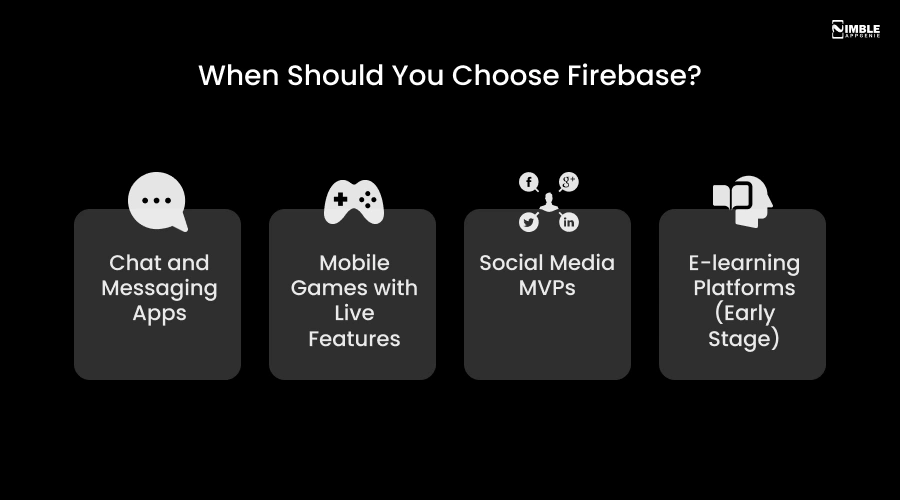
- Chat and Messaging Apps: Real-time data sync is Firebase’s core competency. Building a WhatsApp-style app? Firebase handles it natively.
- Mobile Games with Live Features: Live sessions, leaderboards, and in-game notifications are smooth with Firebase Cloud Messaging and Firestore.
- Social Media MVPs: Firebase allows a small team of app developers to deliver a social platform in weeks, not months, and test product-market fit rapidly.
- E-learning Platforms (Early Stage): For progress tracking, content delivery, and user authentication on a tight budget, Firebase is cost-effective and practical.
Choose AWS for:
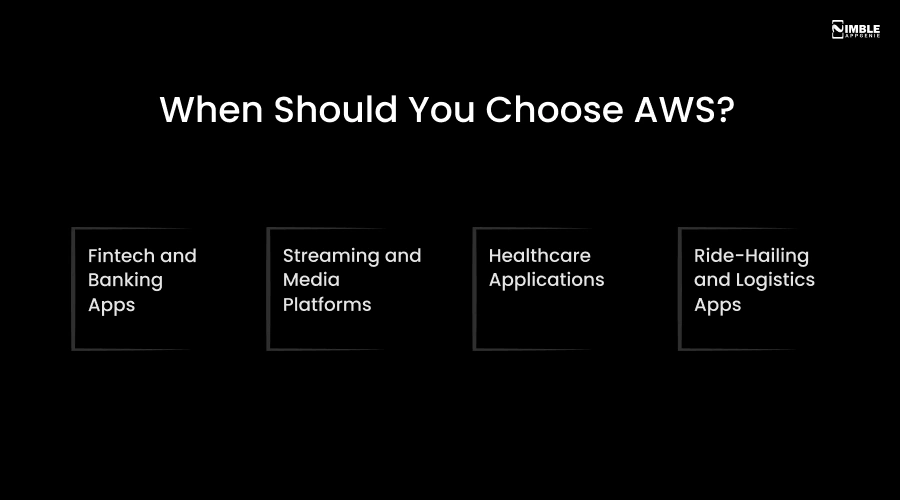
- Fintech and Banking Apps: PCI DSS compliance, enterprise-grade security, and granular access control make AWS an ideal option for apps handling money.
- Streaming and Media Platforms: AWS CloudFront, Elastic Transcoder, and S3 are all managed through AWS’s certified infrastructure.
- Healthcare Applications: HIPAA compliance, audit trails, and encrypted data storage are all managed through AWS’s certified infrastructure.
- Ride-Hailing and Logistics Apps: Real-time tracking at scale, complex routing, and dynamic pricing want the flexibility AWS provides.
Firebase vs AWS Pricing: What Does It Actually Cost?
People usually ask: Firebase vs AWS pricing, what does it actually cost? Is Firebase cheaper than AWS?
Firebase Pricing
- Spark Plan (Free): Includes 1GB Firestore storage, 50,000 reads/day, 20,000 writes/day, 10GB hosting bandwidth – no credit card required.
- Blaze Plan (Pay-as-you-go): Firestore reads cost approx. $0.06 per 100,000. Storage is $0.18/GB/month.
- Best for: Apps with fewer than 10,000 active users – Firebase is almost always cheaper.
AWS Pricing
- Free Tier: 12 months free on many services with usage limits.
- Pay-as-you-go: Costs vary by service, region, and usage.
- Reserved Instances: Commit to 1–3 years and get up to 72% off on-demand pricing.
- Best for: Large-scale apps where granular cost control is critical.
Practical Takeaway: For startups developing their first app with under 10,000 users, Firebase will cost less and need less management. For a scaled product with hundreds of thousands of users, AWS usually becomes more economical in the long run.
How Nimble AppGenie Can Help?
Which is better for app development: Firebase or AWS?
Choosing between Firebase and AWS is about going with the app development platform that fits your team, budget, timeline, and long-term business goals.
That’s where Nimble AppGenie comes in.
We are a mobile app development company with hands-on experience developing apps across Firebase and AWS, and hybrid architectures that combine the strength of both.
Here’s what we bring to your mobile app development project:
- Firebase Development: Real-time apps, mobile-first products, and MVPs developed fast with Firebase at the core.
- Technology Consulting: We analyze your app idea, goals, and audience to recommend the right backend before a single line of code.
- AWS Development: Enterprise apps, compliance-sensitive applications, and data-heavy platforms built on rock-solid AWS infrastructure.
- Hybrid Architecture Design: We know how to combine Firebase and AWS so you get speed where it matters and power where you want it.
- End-To-End Development: From UI/UX design to backend to App Store Launch – we manage the full journey.
- Ongoing Support: Updates, maintenance, and scaling support as you expand.
Whether you are a startup with an app idea or an enterprise team looking to modernize your mobile platform, Nimble AppGenie has the proficiency to take you from concept to launch – the right way.
Conclusion
So, what’s the final answer in the Firebase vs AWS debate?
There is not a single winner that fits every app. But the right decision for your app depends on three things: where you are today, where you want to go, and what your team is capable of.
If you are a startup, a small team, or a solo founder, to develop a mobile app quickly, Firebase is the better option. It gets you to launch rapidly, handles real-time features, and costs less upfront out of the box.
If you are building an enterprise app, a regulated platform, or a system that requires reaching millions of users with complex infrastructure, AWS is where you belong. It offers you the compliance tools, flexibility, and raw computing power that Firebase simply can’t match at that level.
And if you are somewhere in between, or your application needs the best of both worlds – a Firebase and AWS hybrid architecture is a proven strategy most successful apps use globally.
The Firebase vs AWS comparison is the basis on which your app is built. Get it right from the start, and everything else – user experience, performance, cost, and scaling – becomes much easier to handle.
That’s exactly what Nimble AppGenie, a mobile and web development company, helps you do. We don’t just create apps, we help you make the right architectural decisions from day one so your mobile app is set up to thrive, not just at launch, but as it expands.
FAQs

Madan is the Backend Solutions Architect at Nimble AppGenie, specializing in the design of secure, high-concurrency systems that power complex mobile ecosystems. With deep expertise in server-side logic and database management, he ensures every platform is built with enterprise-grade security. In his free time, he is an avid researcher of emerging technologies; he spends his time deconstructing the latest backend frameworks and reading technical papers to ensure our solutions remain at the absolute forefront of industry innovation.
Table of Contents




No Comments
Comments are closed.