


As Apple’s ecosystem keeps changing, this question matters more than ever for businesses that are aiming to build future-ready iOS apps.
With 1.38 billion active iPhone users worldwide and a continuously growing market for iOS apps, choosing the right UI framework directly impacts development speed.
The debate of SwiftUI vs UIKit is not just about old vs new technology. It’s about selecting the architecture that aligns with your product goals.
SwiftUI brings a modern approach that reduces development effort, while UIKit remains a trusted framework handling complex production-grade interfaces. Choosing a UI framework isn’t just about what’s trendy. It’s about finding one that matches your project and long-term goals.
Don’t worry! This blog guides you to understand the real differences between SwiftUI and UIKit, explains when each framework makes sense, and helps you decide which one aligns best with your business goals and future roadmap.
So, let’s begin!
What is UIKit?

UIKit is Apple’s traditional framework to develop iOS app. Launched in 2008 with the first iPhone SDK, it quickly became the foundation for every iOS interface, from buttons and navigation bars to gestures and animations.
It follows an imperative programming style, which means developers must manually define every UI element and how it behaves. UILit gives very fine-grained control, making it ideal for developing:
- Complex interfaces
- Custom UI components
- Enterprise-grade apps
- Apps with heavy user interactions
- Apps requiring absolute performance stability
Why Does UIKit Still Matter in 2026?
Although SwiftUI is rapidly growing, UIKit is still mature and battle-tested, used in thousands of production apps, and supported by a massive developer community.
It is highly customizable and essential in legacy codebases. Many companies still rely on UIKit because it is stable, predictable, and offers tighter control over UI behavior.
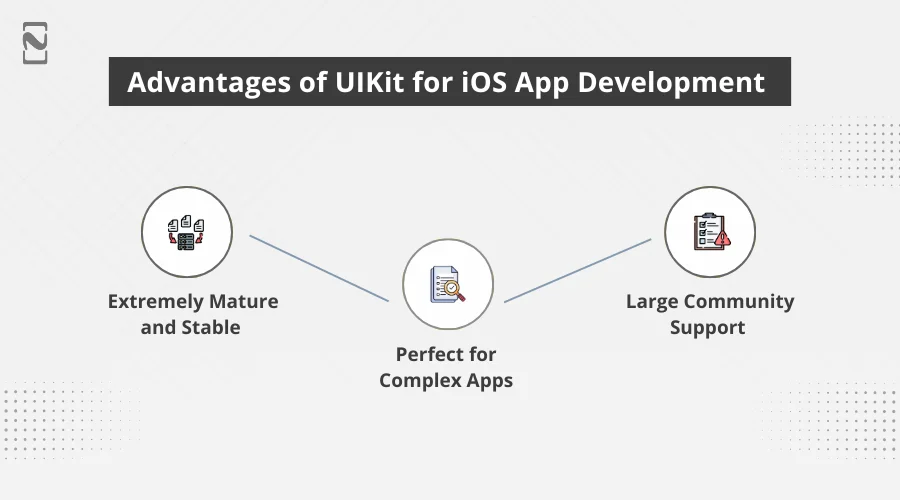
Advantages of UIKit for iOS App Development
1. Extremely Mature and Stable
UIKit has existed for more than 15 years, so its APIs are refined, predictable, and trusted by millions of iOS app developers. Developers know exactly how it behaves, and this makes it safe for long-term projects. It’s trusted by millions of apps worldwide.
2. Perfect for Complex Apps
If your iOS app requires custom animations, special UI controls, or deep system integrations, UIKit handles it exceptionally well. It gives you full control over every detail of the interface. This makes it ideal for complex or highly customized apps.
3. Large Community Support
Thousands of tutorials, documentation, Stack Overflow threads, plugins, and open-source libraries exist for UIKit. It’s easy to find solutions on forums like Stack Overflow. You rarely feel stuck because someone has already solved your problem.
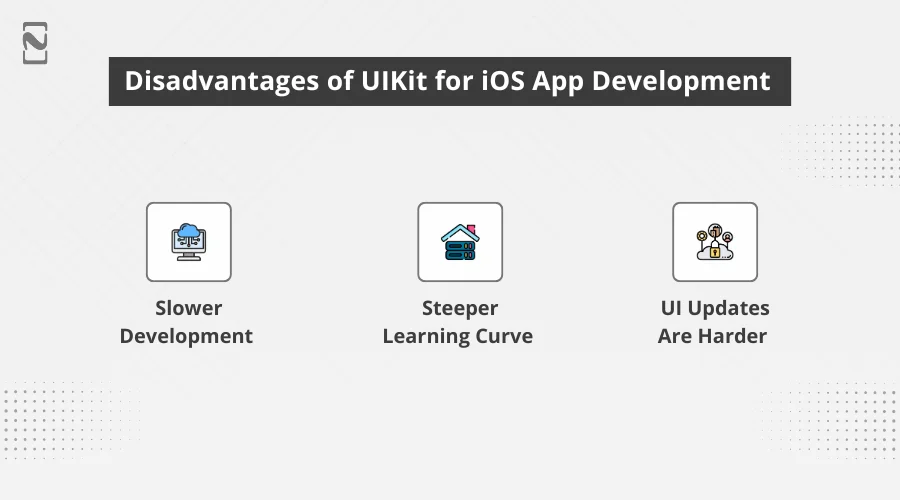
Disadvantages of UIKit for iOS App Development
1. Slower Development
More boilerplate code, manual layouts, and verbose syntax make iPad app development time-consuming. Layouts and UI updates need extra steps compared to newer frameworks. This can slow down your overall development speed.
2. Steeper Learning Curve
Beginners struggle with ViewControllers, delegates, Auto Layout, and storyboard complexities. Storyboard interactions can also feel confusing at first. It takes time to become comfortable with UIKit’s structure.
3. UI Updates Are Harder
You must manually update UI states, which increases the chances of bugs. This increases the chances of human error or bugs. Managing complex UI logic can become time-consuming.
What is SwiftUI?
SwiftUI is Apple’s modern, declarative UI framework introduced in 2019. Unlike UIKit, SwiftUI allows you to describe the UI in simple, readable code, and Apple handles the rest, like layout, rendering, animations, and state management.
It works across the entire Apple ecosystem:
- iOS
- macOS
- tvOS
- watchOS
- visionOS
SwiftUI is the future of iOS app development because of its clean syntax, real-time preview, faster development cycles, automatic dark mode handling, smoother animations, and reactive programming languages. SwiftUI dramatically reduces the amount of code required to build beautiful interfaces.
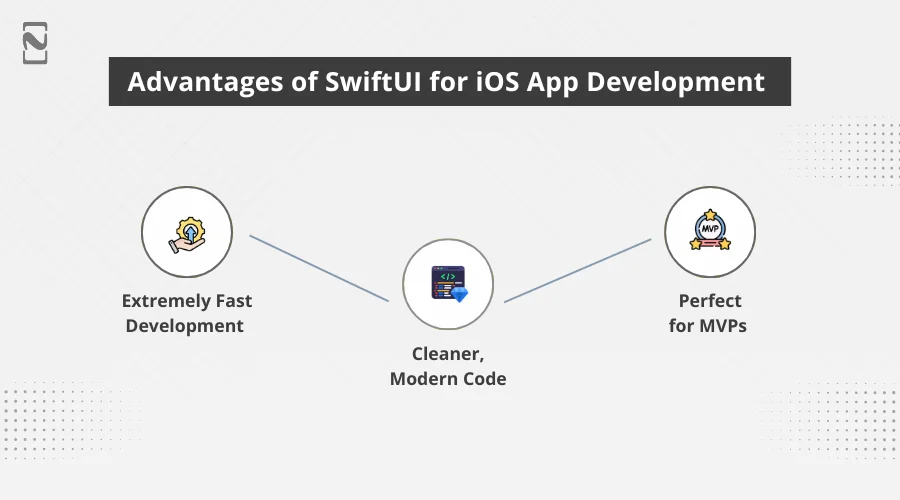
Advantages of SwiftUI for iOS App Development
1. Extremely Fast Development
SwiftUI’s declarative syntax and Live preview allow you to build screens faster with less code. With features like Live Preview and hot-reloading, changes appear instantly, dramatically speeding up development. This results in quicker iteration cycles and faster screen-building.
2. Cleaner, Modern Code
The code is readable, shorter, and easier to maintain. Its structure naturally enforces separation of concerns and improves maintainability over time.
3. Perfect for MVPs
Startups can launch faster because UI development becomes quicker and more efficient. You can build a functional iOS app design with minimal code, ideal for quick validation. This makes SwiftUI a strong choice for early-stage products and MVPs.
Disadvantages of SwiftUI for iOS App Development
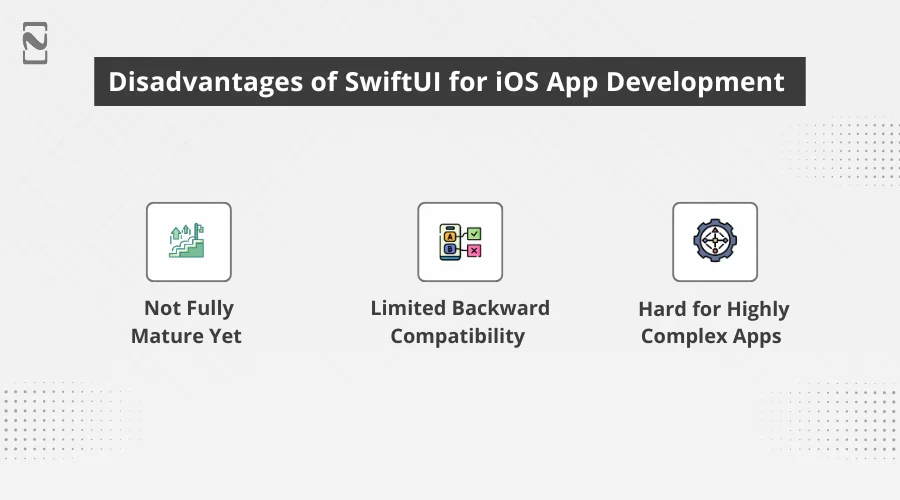
1. Not Fully Mature Yet
Some advanced components still depend on UIKit under the hood. This can require mixing frameworks and writing bridging code for certain features. As a result, developers may hit limitations in more specialized areas.
2. Limited Backward Compatibility
Many SwiftUI features require the latest iOS versions. This forces developers to drop older OS support or implement workarounds. It can be a challenge for apps targeting a wide user base.
3. Hard for Highly Complex Apps
Some complex UI patterns are still difficult or buggy in SwiftUI. Also, some layouts or animations behave inconsistently, requiring extra effort. This makes UIKit a better choice for certain advanced scenarios.

Major Differences Between SwiftUI vs UIKit: An In-Depth Comparison
SwiftUI vs UIKit can be confusing for many developers if you’re just starting. To make things really simple, we’ve created a table that shows the key differences and helps you understand which framework might suit your project better.
| Factor | SwiftUI | UIKit |
| Programming style | Declarative | Imperative |
| Development speed | Very fast | Moderate |
| Launched year | 2019 | 2008 |
| Device compatibility | iOS 13 onwards | iOS 9 onwards |
| Language used | Swift | Swift and Objective-C |
| Performance | Best for most apps | Best for complex apps |
| Stability | Improving, but not fully mature | Extremely stable |
| Cross-platform support | Excellent (iOS, macOS, tvOS) | Limited |
| Community support | Growing | Very large |
| Custom UI flexibility | Limited for advanced UI | Excellent |
| Development cost | Lower | Higher |
| Backward compatibility | Requires newer iOS versions | Strong |
| Best for | MVPs, modern apps, multi-device apps | Enterprise apps, complex UIs, legacy projects |
Now that you clearly have an understanding of UIKit vs SwiftUI. Let’s now deep dive into each factor to understand the two UI frameworks for iOS app development.
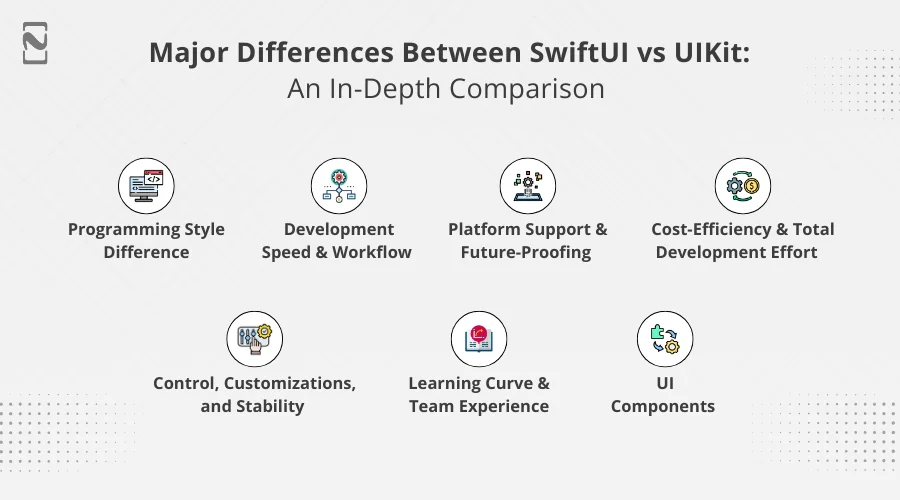
♦ Programming Style Difference
SwiftUI and UIKit work in completely different ways when developing an app’s interface. SwiftUI uses a declarative style. It means you only describe what the UI should look like, and the mobile app development framework decides how to draw and update it. This is one reason SwiftUI adoption crossed 65% in 2025 among iOS teams.
UIKit uses an imperative style. You manually build views, update them, and control every layout detail. This gives more control but requires more code. According to a 2025 survey, only 33% of apps now rely exclusively on UIKit.
♦ Development Speed and Workflow
SwiftUI is faster for iOS app development because of Live Preview, fewer boilerplate, and easy layout building. A report shows SwiftUI-only projects increased from 31% in 2024 to 43% in 2025. This shows fast adoption due to speed.
UIKit slows down development because you must rebuild the mobile app to view changes, write longer code, and handle constraints manually. This makes UIKit ideal only when speed is not the priority.
♦ Platform Support and Future-Proofing
SwiftUI is built for the entire Apple ecosystem. For example, macOS, tvOS, watchOS, and so on. Around 90% of new iOS apps are expected to use SwiftUI because of its multi-platform reach.
UIKit mainly supports iOS and iPadOS, so it does not offer the same level of cross-platform reuse.
♦ Cost-Efficiency and Total Development Effort
SwiftUI usually requires less code. A report shows it can reduce the total lines of code by 20-40% for equivalent screens. UIKit takes more effort because developers must write layout constraints manually and handle more boilerplate.
This increases the total cost and time to develop an app. Experts note that UIKit’s manual setup often leads to longer coding and increased cost.
♦ Control, Customizations, and Stability
UIKit wins when your app needs custom UIs, advanced gestures, or complex animations. That’s why nearly 80% of enterprise apps still rely heavily on UIKit for core features. They need stability and precise control.
SwiftUI is improving, but it can still behave differently across iOS versions. It is great for standard designs, but UIKit remains the preferred choice for highly complex or mission-critical screens.
♦ Learning Curve and Team Experience
SwiftUI is really simple for beginners because of its clean syntax. Many developers publicly say things like It’s all SwiftUI now. It is significantly faster to work with.
UIKit has a steeper learning curve. Its ViewControllers, Auto Layouts, and delegates require more experience, but they also allow deeper customizations.
It remains essential for teams building advanced apps or needing to fix iOS compatibility issues. UIKit provides more granular control over older system behaviors and device-specific quirks.
♦ UI Components
UIKit comes with a large set of pre-built UI elements and a long-established ecosystem. It has been tested for years across different types of apps. This is why one benchmark in 2024 found UIKit to be about 25% faster than SwiftUI when rendering fewer than 32 UI elements.
SwiftUI’s library is smaller but more modern. Its components are reactive, smoother to build with, and designed for new Apple platforms. As one analysis noted, SwiftUI’s built-in components are fewer but higher-performing.
How Framework Choice Can Affect iOS App Development Budget?
This part is very important for you, if you are comparing the cost to develop an iOS app using both frameworks, which are SwiftUI vs UIKit.
-
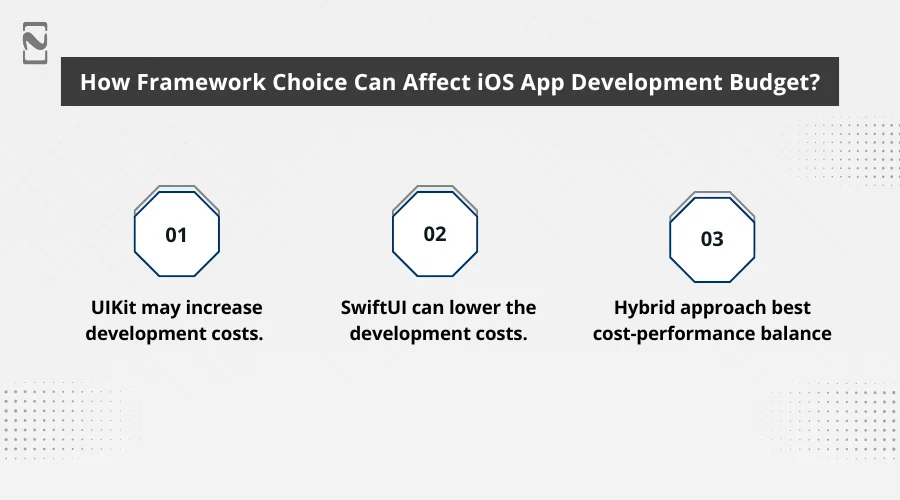
UIKit may Increase Development Costs
UIKit needs more code, time, manual UI adjustments, maintenance, and experienced developers. This naturally increases the cost to develop an iOS app, but it is justified for enterprise systems, highly custom apps, and performance-heavy applications.
-
SwiftUI Can Lower the Development Costs
Yes, it is true because of faster development cycles, less boilerplate code, fewer UI bugs, and quick iteration or prototyping. A typical MVP can be delivered 25-40% faster with SwiftUI. It means lower development costs.
Besides, SwiftUI also reduces the mobile app maintenance cost because the codebase can be easily modified and is more scalable.
-
Hybrid Approach = Best Cost-Performance Balance
Today, most companies use a Hybrid SwiftUI and UIKit architecture. This helps minimize development time, keep the app stable, maintain complex features, and use modern SwiftUI screens where they fit naturally. This hybrid approach offers the best return on investment.
When to Use SwiftUI?
SwiftUI is the preferred choice for many new projects because it is fast, flexible, and easy to experiment with. Let’s look at when to use SwiftUI.
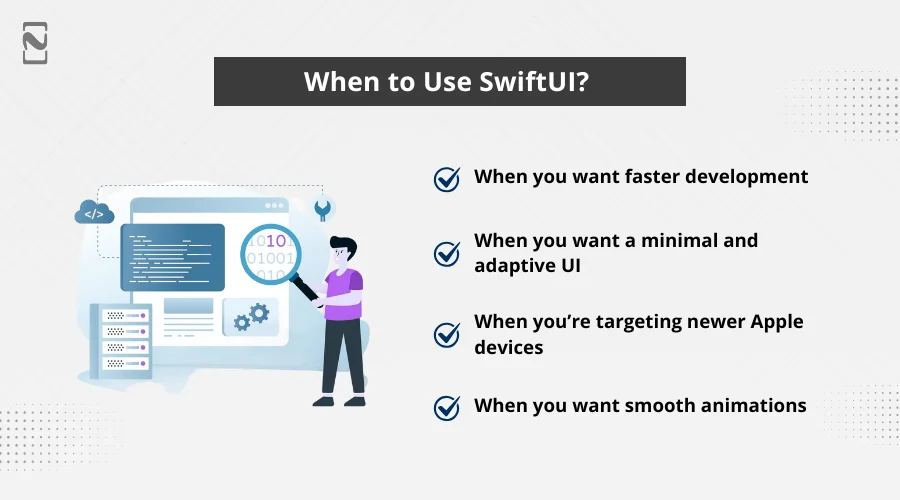
► When you Want Faster Development
If your project needs quick delivery or you want to build an MVP app, SwiftUI saves time. Its simple syntax and real-time preview help you develop screens faster than traditional methods.
Startups and small teams love it because they can launch features quickly using iOS app development tools.
► When You Want a Minimal and Adaptive UI
SwiftUI makes a really easy and simple iOS app design. No matter if it is dark mode, dynamic type, or auto-adjusting layouts, SwiftUI handles most of the work for you.
If you want a clean interface without writing too many layout constraints, SwiftUI is perfect.
► When You’re Targeting Newer Apple Devices
SwiftUI works best on the latest iOS versions. If your users mostly use updated iPhones and iPads, SwiftUI will perform beautifully.
Also, it supports macOS, watchOS, and tvOS with the same code, which is helpful for multi-platform apps.
► When You Want Smooth Animations
Creating animations in SwiftUI takes only a few lines of code. If your iOS focuses on smooth transitions, beautiful interactions, onboarding screens, and dashboards, SwiftUI offers a big advantage.
When to Use UIKit?
UIKit is Apple’s older, more mature framework. Many enterprise applications are still developed with UIKit. It is because it is reliable and predictable. Let’s have a look at when to use UIKit for iOS app development.
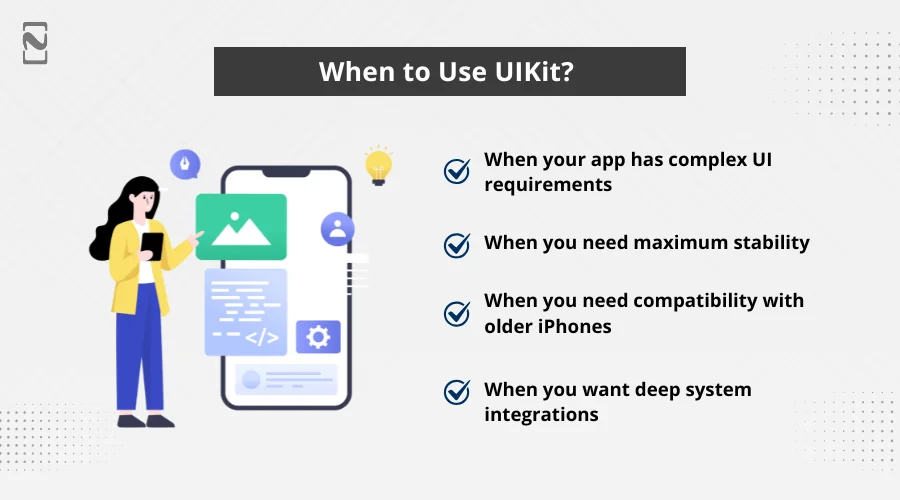
► When Your App has Complex UI Requirements
If your iOS app has custom gestures, complicated navigation patterns, or highly detailed layouts, UIKit gives you far more control.
And for developers who need to create an iOS developer account and build production-level features, UIKit often provides the flexibility required for complex app behavior.
► When You Need Maximum Stability
UIKit has been around for almost 15 years, so it is extremely stable. If your project cannot afford unexpected bugs or crashes, like e-commerce platforms, banking apps, or enterprise tools, UIKit is a safer bet.
► When You Need Compatibility With Older iPhones
SwiftUI relies on newer iOS versions, but UIKit supports older versions smoothly. If your users still use older devices or you want to target a broader audience, UIKit makes more sense.
► When You Want Deep System Integrations
Some features, like advanced camera functions, background tasks, and lower-level APIs, still work best with UIKit. If your app requires deep system access or heavy customizations, UIKit offers more flexibility and control.
So, Who Wins? SwiftUI vs UIKit?
The truth is: there is no single winner. Both SwiftUI and UIKit are best in their own place, but their strengths serve different purposes.
- SiftUI is the future. It provides faster development, modern functions, multi-platform app development, beautiful UI, and easier maintenance.
- UIKit is the present. It is stable, predictable, battle-tested, and perfect for complex requirements.
If you are developing an app in 2026, SwiftUI is an excellent choice, especially if you want lower costs and fast results.
However, if you are maintaining or expanding a large-scale app and want to submit an app to the App Store, UIKit is still the most reliable option. And if you want the best of both worlds, go with a hybrid. It is the most practical and efficient approach.

How Nimble AppGenie Helps You Choose the Right Framework for Your Project?
Choosing between SwiftUI and UIKit is not just a technical choice. It affects how fast your iOS app is developed, how it performs, and how well it grows over time. This is where an iOS app development company like Nimble AppGenie can actually assist.
We carefully look at what you are developing, how complex it is, your budget, and the kind of experience you want your users to have. Based on that, we guide you towards the framework that fits your app’s requirements instead of forcing a one-size-fits-all option.
If you are still unsure which option fits your iOS app, we start by assisting with your goal, platform expectations, and long-term plans. Choosing the right framework can easily save months of rework, reduce costs, and ensure a smooth, high-quality app launch with fewer technical risks.
Conclusion
If you are planning to develop an iOS app and are still unsure which framework is right for your product, the best next step is to evaluate your:
- Project requirements
- Budget
- Platform goals
- Timeline
- Long-term scalability
Choosing the right framework can save months of work, reduce development costs, and ensure a smooth app launch. If you need help deciding or want expert guidance, feel free to reach out. Selecting the right iOS app development tools will make your app much stronger in the future.
FAQs
The performance is generally similar in both. UIKit may manage heavy animations better. But SwiftUI is smoother when updating UI based on state changes.
SwiftUI is quite easy. It has simpler code and live previews. However, UIKit is more complex, it’s still useful for older projects as well.
No. SwiftUI will not replace UIKit completely. It handles most modern interfaces, but some advanced controls and custom behaviors still require UIKit. Both frameworks often work together in real apps today.
SwiftUI only works on iOS 13 or later, and some newer features require even higher versions. If you want your app to run on older devices, UIKit is a safer choice.

Niketan Sharma, CTO, Nimble AppGenie, is a tech enthusiast with more than a decade of experience in delivering high-value solutions that allow a brand to penetrate the market easily. With a strong hold on mobile app development, he is actively working to help businesses identify the potential of digital transformation by sharing insightful statistics, guides & blogs.
Table of Contents
No Comments
Comments are closed.