

 Free Consultation
 PCI-DSS Compliant
 GDPR Ready
 ISO 27001
 NDA Protected
 AI Services
 AI App Development
 Generative AI Development
 AI Chatbot Development
 AI Integration Services
 AI Consulting Services
 AI For Fintech
 AI Financial Assistant Solution
 AI Insurance Agent Development
 Tech Stack
 OpenAI / GPT-4
 Claude / Anthropic
 Gemini / Google AI
 Llama / Open Source
 LangChain / LlamaIndex
 Pinecone / Pgvector
 AWS / Azure AI


 Fintech Solution
 Core Fintech
 App Development
 Neobank Solutions
 eWallet Solutions
 Lending Software
 Banking Solutions
 BNPL Solutions
 BNPL Solutions
 Insurance App
 Wealth Management
 Crypto & DeFi
 Blockchain Development
  Payroll Software
 DeFi Solutions
 Crypto Wallet
 Crypto On/Off Ramp
 Crypto Exchange
 Trading Platform
 Payments
 Compliance
 Regulations & Compliance
 Fraud Detection
 Lending Ecosystem
 P2P Lending Platform
 Mortgage Software
 Engagement
 Fintech Outsourcing

 Mobile Development
 Mobile App Dev
 iOS App Development
 Android App Development
 React Native
 Flutter Development
 Web Solution
 Node.js Development
 React.js Development
 Angular Development
 App Services
 UI/UX Design
 App Maintenance
 By Stage
 MVP Development
 Industry Solutions
 Healthcare App Dev
 Education App Dev
 Travel App Dev
 Real Estate App Dev
 Logistics Software
 Social Media App

 Hire Mobile Developers
 Hire iPhone Developers
 Hire Android Developers
 Hire React Native Devs
 Hire Flutter Developers
 Hire Web Developers
 Hire Node.js Developers
 Hire Angular Developers
 Hire PHP Developers
 Hire Laravel Developers
 How It Works
 Pre-Vetted Developers
 Ready In 48 Hours
 NDA From Day One
 Replace Guarantee
 Company
 About Us
 Our Work Process
 Portfolio
 Case Studies
 Blog / Insights
 Careers
 Contact Us
 Awards
 Recognition


 Offices


Key Takeaways:
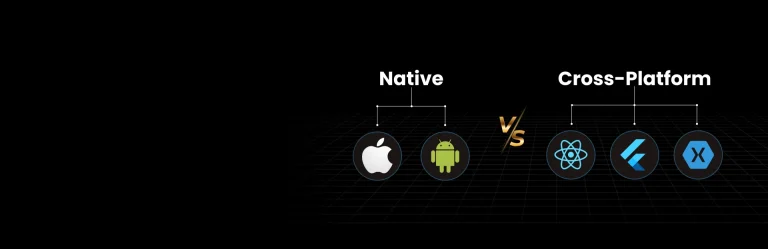
- Native apps are created for a single operating system; however, cross-platform apps are created with a single codebase.
- One of the key differences between native vs cross-platform mobile apps is that native apps use languages such as Swift/Kotlin, while cross-platform mobile apps use languages such as Dart and C#.
- The key benefits of creating a native mobile app are better performance, minimal bugs, tight security, and superior UI/UX.
- However, the benefits of building a cross-platform mobile app development are cost-efficiency, faster time to market, and reusability of code.
- You can select between native vs cross-platform mobile app development by going through a series of steps, from defining your app’s purpose, evaluating the market, learning about both the platforms, and then connecting with a team of developers.
- Partner with Nimble AppGenie and build your native mobile app or a cross-platform mobile app as per your requirements.
You have $30,000 and 6 months, which approach do you like to opt for, native vs cross-platform mobile app development?
Well, it will depend completely on your call and what your project actually wants.
You need to evaluate different questions, such as-
- Do you need to optimize for speed or performance?
- What users expect: a premium UX or a moderate UX?
- Can one codebase support future calling?
Well, such questions are answerable once you get to know which approach is better, native or cross-platform mobile app development.
The native mobile app development approach is all about creating apps specifically for a single operating system. However, cross-platform app development is where you create apps with a single codebase.
Now, let’s get ahead with the complete differences between native and cross-platform mobile app development in this guide.
Here, we have discussed it all, whether it’s a cross-platform app or a native app, its benefits, challenges, and much more.
Let’s get started.
What is Native Mobile App Development?
Native mobile app development is the complete process of creating apps specifically for a single operating system, either iOS or Android, using platform-specific programming languages.
The process of creating a native mobile app is:
Step 1: Plan Your App
Step 2: Perform market research
Step 3: Decide on the Platform
Step 4: Select a tech stack based on the platform
Step 5: Opt for Launch and Maintenance
Well, the process remains the same, but the technologies, designs, and selection of the platform are what make all the differences while you create a native mobile app.
What is a Native Mobile App?
A native mobile app is a program that is created for a single operating system. These apps do offer top-tier performance, security, and provide complete access to hardware features.
These apps are developed specifically for one platform and can take advantage of all the device features.
The three core components of a Native mobile app development are:
- Integrated development environment (IDEs)
- Native SDK and APIs
- Platform-Specific programming languages
- UI Frame
Whether it’s hybrid vs a native app, or cross-platform vs native mobile app development, the technologies and even languages used here make all the difference.
Let’s consider the tech stack in the given section.
What is the Tech Stack Used to Build a Native Mobile App?
The key tech stack used for creating a native mobile app is platform-specific languages such as Swift for iOS and Kotlin for Android, which are paired with the official IDEs and SDKs.
This mobile app tech stack consists of four main layers, including frontend, backend, database, and even a development platform.
Here is the list of tech stack used to create a native mobile app:
| Category | iOS | Android |
| Language | Swift / Objective-C | Kotlin / Java |
| IDE | Xcode | Android Studio |
| UI Framework | UIKit / SwiftUI | Jetpack Compose / XML |
| Database | Core Data / SQLite | Room / SQLite |
| Networking | URLSession / Alamofire | Retrofit / OkHttp |
| Push Notifications | APNs | Firebase Cloud Messaging |
| Authentication | Sign in with Apple | Google Sign-In |
| Cloud & Storage | iCloud / AWS / Firebase | Google Cloud / AWS / Firebase |
| Testing | XCTest / TestFlight | JUnit / Espresso |
| Deployment | Apple App Store | Google Play Store |
Benefits of Selecting Native Mobile App Development
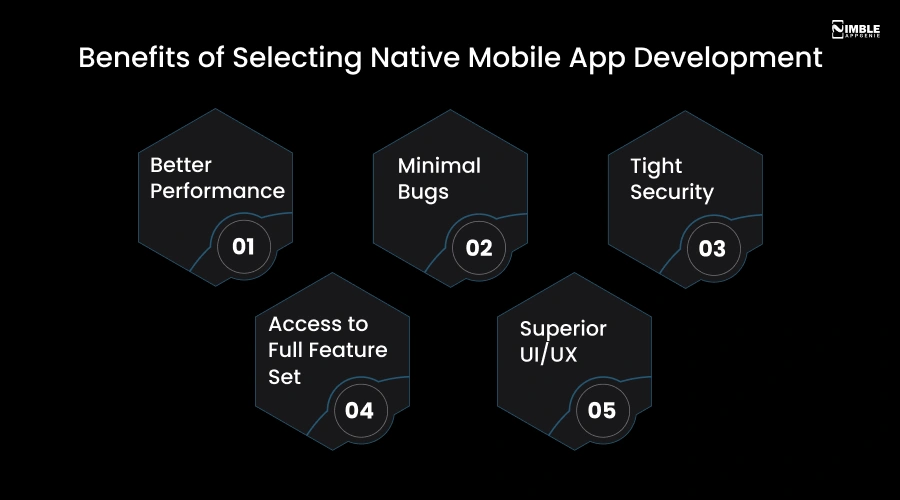
The key benefits of building and selecting a native mobile app development are:
► Better Performance
With the help of native mobile apps, the developers do create native solutions, and they initially optimize these apps to all specific features of a target platform and leverage all APIs. Results in better performance.
► Minimal Bugs
The native app developers get access to the updated SDKs as soon as released. These updates do ship with improvements and new features.
► Tight Security
The native apps offer tight security through leveraging direct access to the operating system (OS) features, and even through the strict app store vetting procedure.
► Access to Full Feature Set
The native apps do offer complete access to a device’s feature set. They are designed for a particular platform, such as iOS and Android, and are built to use the device’s features.
► Superior UI/UX
The design of the native apps is simple and does offer a superior UI/UX by delivering maximum performance and deep integration with services. This is what makes these apps unique and scalable as per the market.
There are a certain number and categories of features that you include in a cross-platform mobile app; let’s consider them all in the given section.
Features of Native Apps
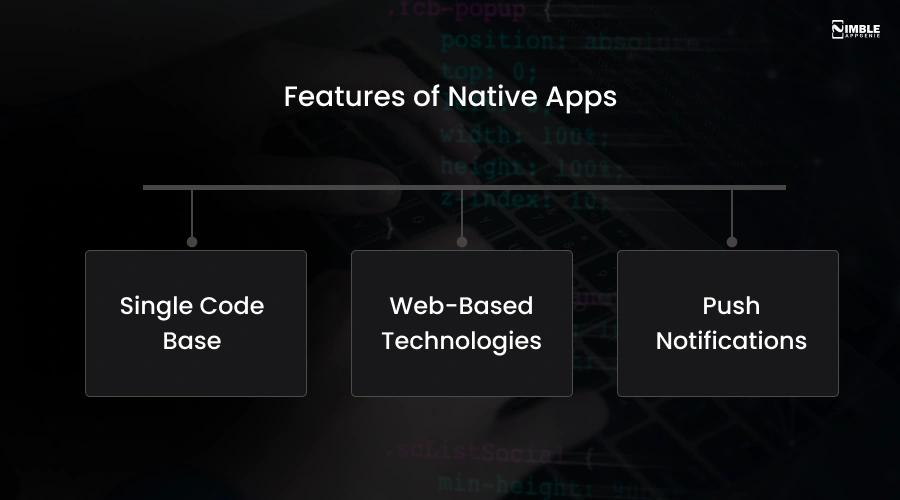
Based on the industry, the features of the native apps differ. However, here are some of the key features of native apps:
♦ Single Code Base
A single code base is a transformative feature that enables faster development, easier maintenance, and even a consistent user experience across devices.
♦ Web-Based Technologies
One of the important sets of advantages of a native app is its web-based technologies. It is a feature that uses technologies such as HTML5, JavaScript, and even CSS that are combined in a native container.
♦ Push Notifications
The native app opts for a feature such as push notifications. It supports real-time notifications such as reminders, alerts, and even messaging updates.
Now, let’s look forward to the key challenges to creating a native mobile app in the following section.
Challenges in Building a Native Mobile App
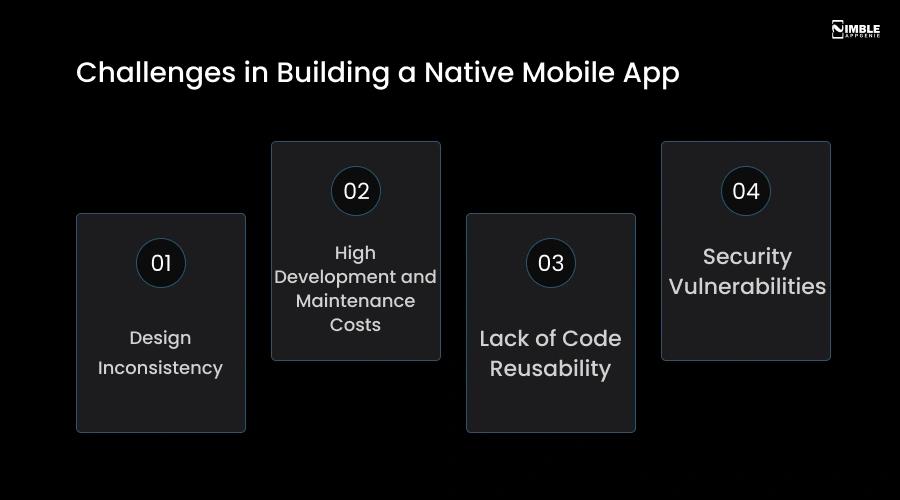
Here is the list of challenges for building a native mobile app:
➤ Design Inconsistency
First, you opt for one app, for one platform, and then later you go ahead with another platform. This can bring design inconsistency in both apps, which might impact how the user responds to them.
➤ High Development and Maintenance Costs
The native mobile applications are usually costly and require a higher amount for maintaining them. In native app development, if you opt for both platforms, it’s a costly affair.
➤ Lack of Code Reusability
It is a challenge, as here you need to create and keep the code in separate projects to target different projects across diversified mobile operating systems.
➤ Security Vulnerabilities
It is a primary challenge for building a native app, because here you need to balance both the user experience and the platform-specific vulnerabilities that can even result in a security breach.
A small catch –
If you want to build a native mobile app for both platforms (iOS and Android), you need to build it twice with different programming languages. Then, should you go for cross-platform mobile app development?
Well, let’s learn about it as well in the following section.
What is Cross-Platform Mobile App Development?
A cross-platform mobile app development is all about where you create a cross-platform mobile app development from a single codebase. Additionally, one significant goal of cross-platform app development is to target different operating systems with one project.
The process for creating a cross-platform mobile app is:
Step 1: Define the Complete Goals of the App
Step 2: Select a Framework
Step 3: Design the App
Step 4: Perform App Development
Step 5: Test the App
Step 6: Opt for Deployment and Launch
What is a Cross-Platform Mobile App?
The cross-platform apps are software that is designed to run on multiple operating systems, including iOS, Windows, Android, and macOS, with the help of a single, shared codebase.
This platform enables reusable, web-based code to be rendered natively across diversified platforms. Cross-platform app development is an option for creating apps that run on diverse operating systems using a single code base.
Here, the key aspects of cross-platform development are native-like performance, key frameworks such as React Native and Flutter. Additionally, it helps in building a compatible app with diversified platforms.
The popular platforms used by cross-platform app development are react native by Meta, Flutter by Google, and .NET MAUI by Microsoft.
Now, let’s get ahead with the right tech stack used for cross-platform app development in the following section.
What is the Right Tech Stack Used For Cross-Platform App Development?
Here is the table defining the complete tech stack used for cross-platform app development:
| Category | Flutter | React Native | Xamarin |
| Language | Dart | JavaScript / JSX | C# / .NET |
| IDE | Android Studio / VS Code | VS Code / WebStorm | Visual Studio |
| UI Framework | Flutter Widgets | React Native Components | Xamarin.Forms |
| Database | SQLite / Firebase | SQLite / Firebase | SQLite / Azure |
| Networking | Dio / HTTP | Axios / Fetch | HttpClient |
| Push Notifications | Firebase Cloud Messaging | Firebase Cloud Messaging | Azure Notification Hubs |
| Authentication | Firebase Auth / OAuth | Firebase Auth / OAuth | Microsoft Identity |
| Cloud & Storage | Firebase / AWS | Firebase / AWS | Microsoft Azure / AWS |
| Testing | Flutter Test / Appium | Jest / Detox | NUnit / Appium |
| Deployment | App Store / Play Store | App Store / Play Store | App Store / Play Store |
Now, let’s proceed with the key benefits of selecting cross-platform app development.
Benefits of Selecting the Cross-Platform App Development
The Key benefits of selecting the cross-platform app development are:
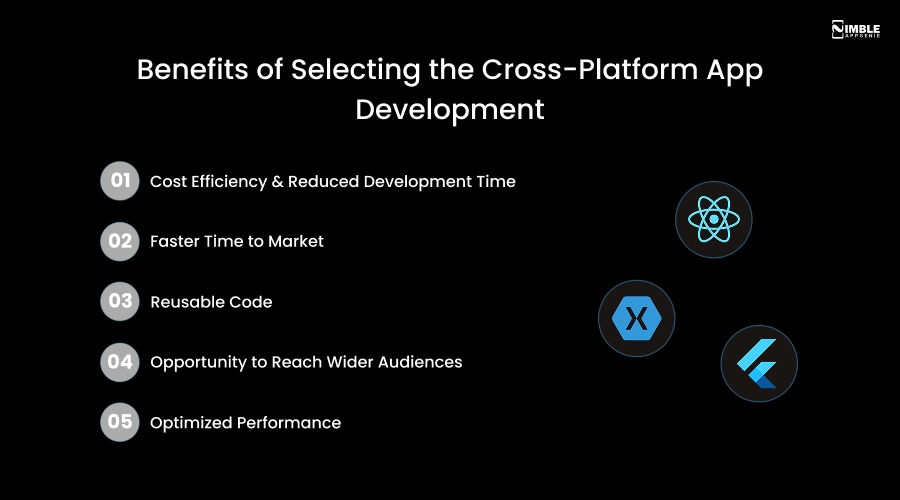
► Cost Efficiency & Reduced Development Time
With the help of cross-platform app development, you can develop apps for both platforms using a single codebase. This eliminates the need for separate teams, which significantly lowers the labor cost and even helps in accelerating the development cycle.
► Faster Time to Market
The cross-platform app development accelerates the time-to-market by helping developers write one code for both platforms. Furthermore, the cross-platform app development reduces the development time by up to 40%.
► Reusable Code
The developers don’t need to write code for cross-platform app development. They can cut down the time and cost with the help of a single codebase. Thus, you can cut down time spent doing repetitive tasks, such as data storage and API calls.
► Opportunity to Reach Wider Audiences
Cross-platform app development even uses rapid development cycles. Here, you don’t need to choose between different platforms, as your app is compatible with diverse operating systems. This helps you to satisfy the different needs of both Android and iOS platforms.
► Optimized Performance
The cross-platform app development optimizes the overall performance of your app by including time-to-market, maintenance efficiency, and resource management.
Now, let’s get ahead with the key features of cross-platform app development.
Features of Cross-Platform App Development
The key features offered by the cross-platform app development are a single codebase, offline functionality, and native API access.
Here is the list of key features to include in a cross-platform app development:
- Multi-language support
- Push notifications
- Payment gateway integration
- Real-time analytics
- GPS & location tracking
- Cloud synchronization
Challenges in Creating a Cross-Platform App
The key challenges in creating a cross-platform app are:
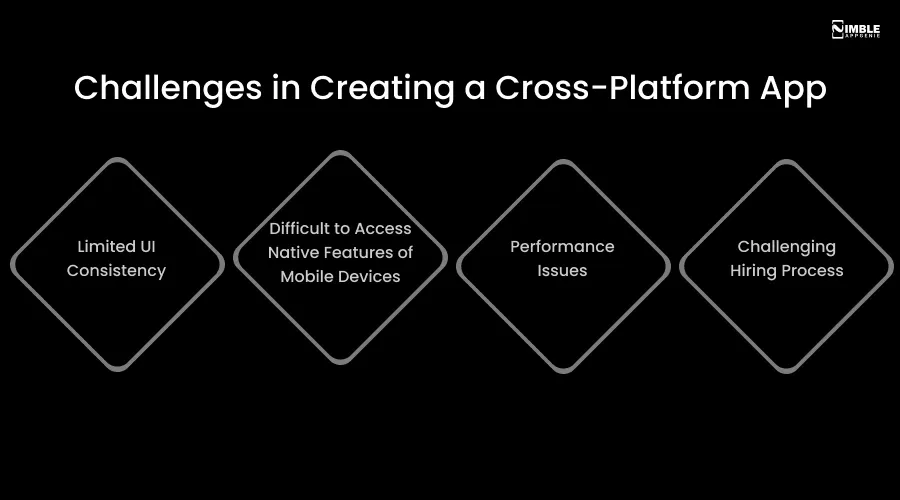
♦ Limited UI Consistency
The developers often argue that the performance of the multiplatform applications is low as compared to the native apps.
♦ Difficult to Access Native Features of Mobile Devices
Certain device-specific features are not fully supported; additionally, there can be plugin compatibility issues that can even break the app. Here, accessing the device hardware, such as the camera and GPS, can be a challenge.
♦ Performance Issues
The performance issues can be a challenge as they can act as an abstraction layer between the shared and even native components. The cross-platform apps are usually larger. Here, you need to pay attention to the diversified mobile optimization options available.
♦ Challenging Hiring Process
For the cross-platform apps, you need to hire mobile app developers, which can be a significant challenge for building a cross-platform mobile app. Now, let’s get ahead with the difference between native and cross-platform mobile app development in the following section.
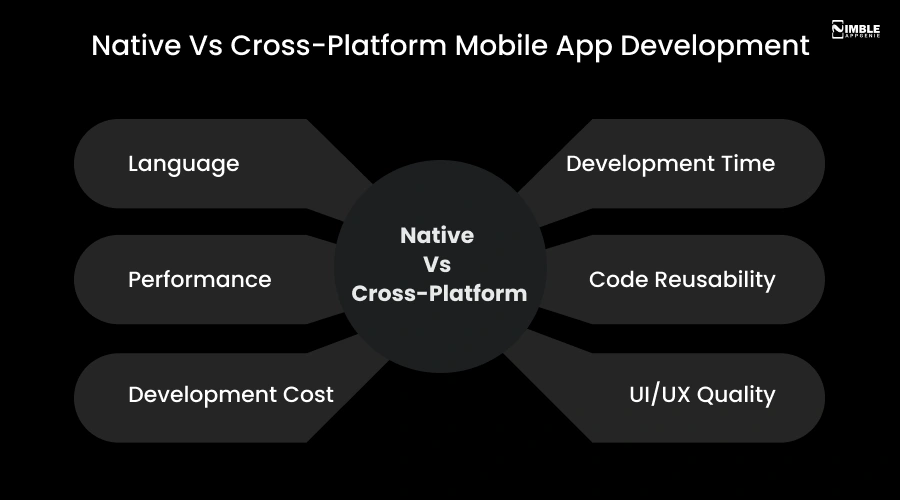
Native Vs Cross-Platform Mobile App Development
The native Vs cross platform mobile app development both act as different options when you think of opting for a mobile app development process.
Let’s discuss the complete list of differences in the given table:
| Factor | Native App | Cross-Platform App |
| Language | Swift / Kotlin | Dart / JavaScript / C# |
| Performance | High & fast | Moderate |
| Development Cost | High | Low to Moderate |
| Development Time | Longer | Shorter |
| Code Reusability | Separate codebase | Single shared codebase |
| UI/UX Quality | Excellent & platform-specific | Good but inconsistent |
| Device Feature Access | Full native access | Limited via plugins |
| Offline Support | Strong | Moderate |
| Security | Highly secure | Moderately secure |
| App Size | Larger | Smaller |
| Maintenance | Complex & costly | Easier & affordable |
| Best For | Feature-heavy, high-performance apps | Startups & budget-friendly projects |
| Examples | Instagram, Uber | Alibaba, Reflectly |
Well, let’s discuss them in detail:
1. Language
Languages like Swift (iOS) and Kotlin (Android) are specifically designed for native app development. These languages allow direct access to device hardware, APIs, and even OS-native UI components.
On the other hand, languages such as Dart, C#, and JavaScript are effective for cross-platform apps. These languages are supported by the powerful frameworks that translate a single codebase into well-written instructions that each operating system can understand.
2. Performance
One of the core differences between native vs cross-platform mobile apps is that native apps are high-performance and fast. Because they are built specially for a single operating system (Android and iOS).
The cross-platform apps are moderate when it comes to performance because these apps do rely on an additional abstraction layer to run a single codebase on diverse operating systems.
3. Development Cost
The cost to develop a mobile app is high for native apps because it requires creating separate apps for Android and iOS.
However, the development cost for a cross-platform mobile app is low to moderate because of advancements in AI, cross-platform frameworks, and minimizing code duplication. Cost is an important factor that separates a cross-platform app from a native mobile app.
4. Development Time
The native apps require more time because a different design is formulated for either iOS or Android apps. Hence, whether it’s coding or design, these apps require time.
On the other hand, cross-platform apps use a single codebase for both platforms; therefore, the time taken for such apps is less in comparison to native apps.
5. Code Reusability
When you create a native app, a different codebase will be required for both the iOS and Android apps. Hence, the reusability of code in this case is not possible.
However, when you compare this factor with cross-platform app development. This approach uses a single shared codebase.
6. UI/UX Quality
The design quality of the native mobile apps is excellent, as separate designs are built for both platforms. This creates consistency in the designs and even engages the users.
However, when you compare native and cross-platform mobile apps, the cross-platform app design is inconsistent. Here, the quality is generally high with modern frameworks such as Flutter and even react native.
Other than this, the factors that impact the difference between native apps and cross-platform apps are device feature access, offline support, security, maintenance, app size, etc.
Now, let’s discuss how you can select between cross-platform vs Native mobile app development in the following section.
How to Select Between Cross-Platform Vs Native Mobile App Development?
Now, how can you select between the cross-platform Vs native mobile app development?
Well, all you need is the right process:
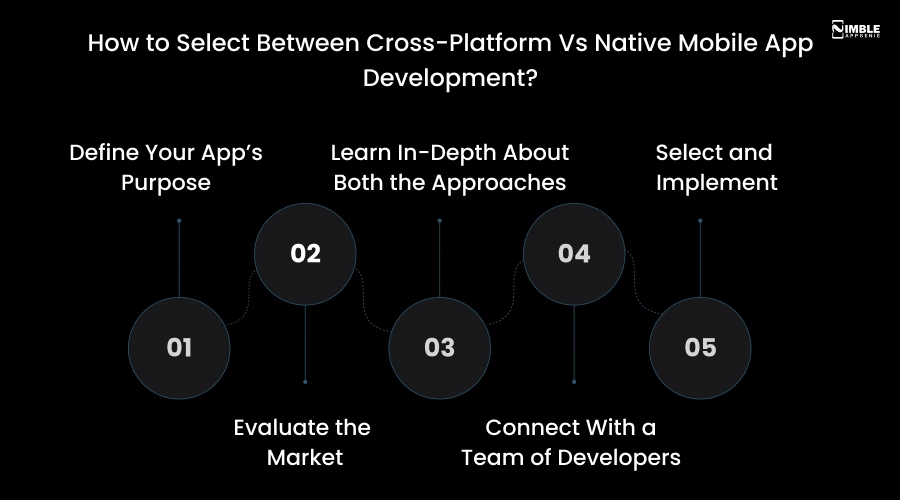
1. Define Your App’s Purpose
You should be clear about your objectives regarding building a complete mobile app. You need to be clear about what your target audience is, what type of app you want to create, and be clear with the type of platform for your mobile app.
2. Evaluate the Market
You should bridge the gap between users’ demand and what they actually want. It is an important process where you capture the user’s interest, identify what your app can serve, and then perform a complete competitor analysis.
3. Learn In-Depth About Both the Approaches
This is the third step, where you should explore in-depth related to both the approaches. Identify what both are good at, and how selecting one can drive benefit to you in achieving your core purpose.
4. Connect With a Team of Developers
Now, you should hire a dedicated team of developers who can help you to select the right approach, and even in app development. They can help you to analyze the complete project goals, budget, and performance to select the right approach.
5. Select and Implement
It’s time to opt for the right approach for your project. Before selecting, you need to balance budget, timeline, and performance needs for your project.
Well, if you are confused about what is better for you based on your position, then let’s count it ahead.
Who Should Select What?
Here’s what you need to select between native and cross-platform.
Let’s evaluate who should select what:
| You Are | Go Native | Go Cross-Platform |
| Funded Startup | Go Native | |
| Solo Entrepreneur | Go cross-platform | |
| Enterprise Business | Go Native | |
| MVP Builder | Go Cross-platform | |
| Fleet Management Company | Go Native |
Why Connect With Nimble AppGenie to Build a Mobile App?
You should connect with Nimble AppGenie because our developers are experts in both approaches, whether it’s native or cross-platform mobile app development. We can cover it all.
Nimble AppGenie is the leading mobile app development company focused on delivering requirement-focused apps that are user-centric and built via the latest technologies in the market.
- Our team holds proven expertise in building apps for industries.
- We handle every app with precision from idea to launch.
- Nimble AppGenie offers transparency with every project we serve.
We have developed apps for various industries such as fintech, social media, fantasy, car wash, marketplace, and many more. You can check out our case studies for more.
Conclusion
Choosing between native and cross-platform mobile app development is never a one-size-fits-all decision. It entirely depends on your business goals, budget, timeline, and target audience. Native apps win when performance, security, and platform-specific experience are the priority.
Cross-platform apps shine when cost-efficiency and faster time-to-market matter most. Whether you are a funded startup, solo entrepreneur, or enterprise business, the right approach can make or break your app’s success.
FAQs

Sunil serves as the Lead Android Engineer at Nimble AppGenie, recognized for his expertise in building robust, scalable mobile solutions across diverse industries. From seamless API integrations to optimizing OS-level performance, Sunil focuses on delivering high-speed, secure applications that stand out in a crowded market. Outside of the tech world, Sunil is a fitness enthusiast who enjoys morning runs and finds his peace playing badminton on the weekends.
Table of Contents




No Comments
Comments are closed.