

 Free Consultation
 PCI-DSS Compliant
 GDPR Ready
 ISO 27001
 NDA Protected
 AI Services
 AI App Development
 Generative AI Development
 AI Chatbot Development
 AI Integration Services
 AI Consulting Services
 AI For Fintech
 AI Financial Assistant Solution
 AI Insurance Agent Development
 Tech Stack
 OpenAI / GPT-4
 Claude / Anthropic
 Gemini / Google AI
 Llama / Open Source
 LangChain / LlamaIndex
 Pinecone / Pgvector
 AWS / Azure AI


 Fintech Solution
 Core Fintech
 App Development
 Neobank Solutions
 eWallet Solutions
 Lending Software
 Banking Solutions
 BNPL Solutions
 BNPL Solutions
 Insurance App
 Wealth Management
 Crypto & DeFi
 Blockchain Development
  Payroll Software
 DeFi Solutions
 Crypto Wallet
 Crypto On/Off Ramp
 Crypto Exchange
 Trading Platform
 Payments
 Compliance
 Regulations & Compliance
 Fraud Detection
 Lending Ecosystem
 P2P Lending Platform
 Mortgage Software
 Engagement
 Fintech Outsourcing

 Mobile Development
 Mobile App Dev
 iOS App Development
 Android App Development
 React Native
 Flutter Development
 Web Solution
 Node.js Development
 React.js Development
 Angular Development
 App Services
 UI/UX Design
 App Maintenance
 By Stage
 MVP Development
 Industry Solutions
 Healthcare App Dev
 Education App Dev
 Travel App Dev
 Real Estate App Dev
 Logistics Software
 Social Media App

 Hire Mobile Developers
 Hire iPhone Developers
 Hire Android Developers
 Hire React Native Devs
 Hire Flutter Developers
 Hire Web Developers
 Hire Node.js Developers
 Hire Angular Developers
 Hire PHP Developers
 Hire Laravel Developers
 How It Works
 Pre-Vetted Developers
 Ready In 48 Hours
 NDA From Day One
 Replace Guarantee
 Company
 About Us
 Our Work Process
 Portfolio
 Case Studies
 Blog / Insights
 Careers
 Contact Us
 Awards
 Recognition


 Offices



In a Nutshell:
- Application scalability is not optional in 2026. Apps that can’t grow with users lose revenue, users, and trust.
- Horizontal scaling (adding more servers) is usually better than vertical scaling (upgrading one server) for large apps.
- Cloud platforms like AWS, Google Cloud, and Azure offer auto-scaling so your app grows automatically.
- Database design matters early. Bad database choices at launch become very expensive problems later.
- Real-world giants like Netflix, Airbnb, and WhatsApp all built scalability into their foundation, not as an afterthought.
- Nimble AppGenie helps startups and enterprises build production-ready, scalable web and mobile applications from day one.
Imagine you recently launched your app, promoting it everywhere. Then, thousands of people open it simultaneously, which leads to an app crash.
Well, this is not a technical glitch; it’s an application scalability issue. And this happens to most apps every day.
| In 2026, the global mobile app market is expected to reach $777.4 billion by 2032 at a CAGR of about 14.4%. Whether you are building a startup product, a SaaS tool, or an enterprise platform, you should build for seamless scalability from day one. Not after users complain, or maybe later. Only now! |
This guide explains application scalability in plain language. You will learn what it means, why it’s important, which approach to follow, mistakes to avoid, latest trends, and what real strategies top companies use to handle millions of users without breaking a sweat.
What is Application Scalability?
Application scalability is the ability of an app or system to manage more users, more data, or more requests without losing stability, speed, or reliability.
Think of it like a restaurant. A small restaurant can easily serve 10 customers. But when 300 show up at once, what happens? If the kitchen, space, and staff were not designed for that, everything breaks down.
Web apps work the same way. Most teams consider scalability as an afterthought, so they start facing issues. Then, fixing it costs 5 to 10 times more.
There are three types of scalability (growth dimension-wise/ the ‘what’) you should understand:
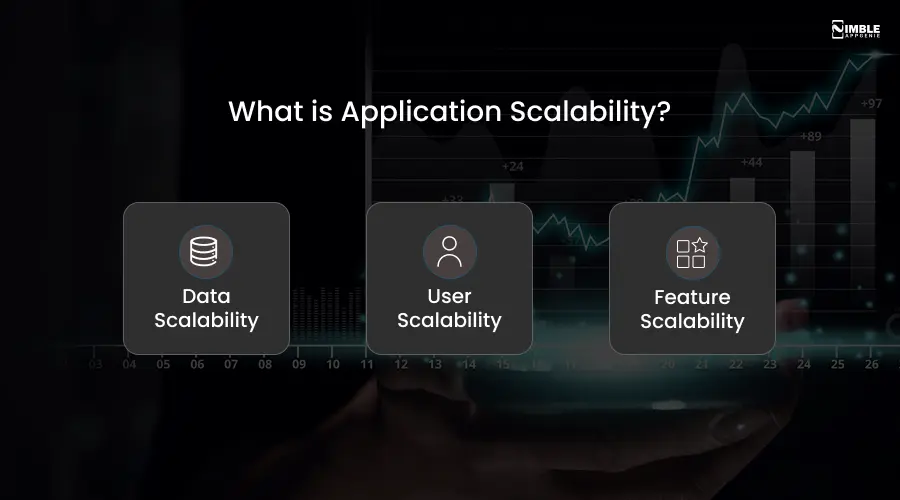
► Data Scalability
As your database expands from gigabytes to terabytes, does your app still respond fast?
► User Scalability
Can your app support 1,000 users only as smoothly as 1,000,000 users at the same time?
► Feature Scalability
Can you keep adding new features without breaking the current ones or slowing the complete system down?
All three matter; consider all to avoid breaking your entire product experience.
Why is Scalability Important?
Scalability is crucial because it empowers businesses and technical systems to smoothly handle increased data volume, demand, or users without sacrificing operational stability or performance.
Scalability offers:
- User Satisfaction and Retention
- Business Growth and Revenue
- Resilience and Reliability
- Cost Optimization
- Adaptability To Change
What are the Different Types of Scalability? Which One Should You Choose?
Primarily, there are two types of scalability: vertical and horizontal scaling. Both have different approaches and distinctive costs and benefits.
When your application struggles with traffic, you have two basic options for increasing capacity.
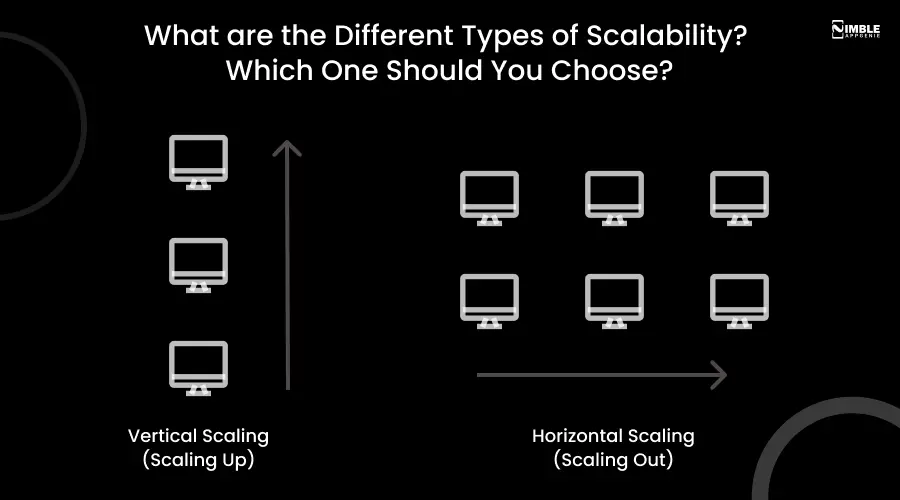
1. Vertical Scaling (Scaling Up)
When you add more power to the same server, it’s vertical scaling. Think of it as upgrading your system from 8GB to 32GB of RAM. You can only make one machine powerful, and if it goes down, your whole app goes down with it.
2. Horizontal Scaling (Scaling Out)
Here, you add more servers that share the load, instead of making one server bigger. In the same way, big brands, like Netflix, handle 200+ million users. If one server fails, others keep going. You can add or remove servers dynamically based on traffic.
When Vertical vs. Horizontal Scaling? Well, it depends on the factors mentioned below.
| Factor | Vertical Scaling | Horizontal Scaling |
| Cost | Higher per unit | More flexible, pay-as-you-go |
| Downtime risk | High (single server) | Low (distributed) |
| Growth ceiling | Limited | Virtually unlimited |
| Complexity | Low | Medium to High |
| Best for | Early-stage apps | Apps at scale |
| Pro Tip: The winning strategy for most modern web applications in 2026 is horizontal scaling combined with cloud auto-scaling. |

What are the Architectural Patterns For Scale?
The way an application is developed, the base design choices developers make determine the maximum speed, capacity, and user load an application can handle before it becomes too expensive, slow, or unstable to grow.
If the code is giant, you can’t scale it horizontally. The modern teams opt for more modular patterns to build a scalable application.
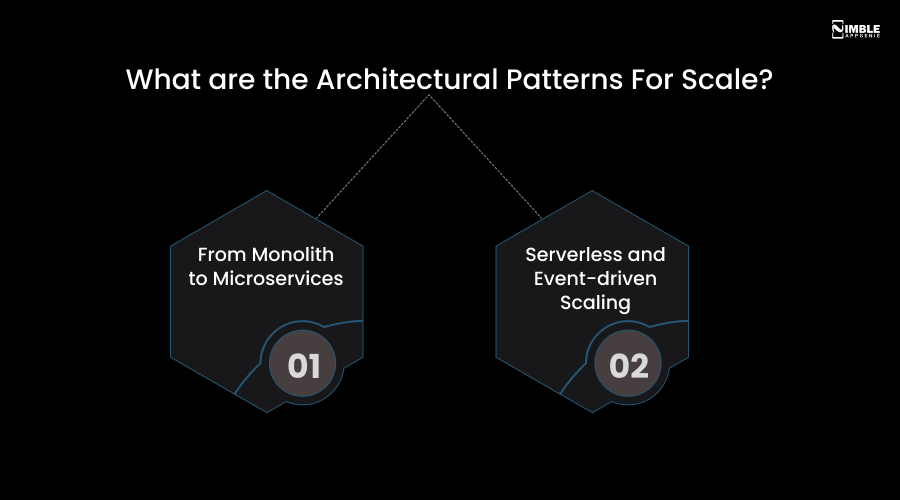
➤ From Monolith to Microservices
Earlier, in a traditional monolith setup, all the parts of the app (The UI, database, and logic) were bundled together. Even if just the “payment” part is busy, you are required to scale the whole app, which sounds inefficient.
Here, a microservices architecture solves this problem by segmenting the application into small, independent services that communicate through an API. This method permits selective scaling.
If your user base is only browsing products but not checking out, you are free to scale the “Product catalog” service across more nodes while shrinking the ‘Checkout’ service, saving resources and costs.
➤ Serverless and Event-Driven Scaling
In scaling, one of the most drastic shifts in scaling is the move toward serverless computing. In this model, you don’t have to manage servers; instead, you write small code snippets called functions that run only when a specific event triggers them, like hitting an API endpoint or a user uploading a photo.
Because these functions are stateless, the cloud provider can instantly spin up thousands of them to meet a spike in demand, and then vanish when the work is done.
This event-driven approach is a perfect form of autoscaling, which ensures you pay only the exact amount of computer power you leverage.
API performs as the glue in these distributed environments. Whether it’s connecting a mobile to the backend or permitting two microservices to exchange data, a well-crafted API ensures that, with the increasing number of services, the communication stays reliable and fast.
Real-World Scalability: What Giants Like Netflix, Airbnb & WhatsApp Actually Do?
You don’t have to guess how to build scalable applications.
Here, we will check how the biggest apps worldwide have attained this.
1. WhatsApp
With only about 50 engineers, WhatsApp served 900 million users. For this, they chose Erlang (a language built for concurrency) for their backend and obsessing over proficient message handling rather than adding complexity.
2. Netflix
Netflix serves 238 million users across 190 countries. They use 1,000+ microservices and depend heavily on AWS for cloud infrastructure. Their engineering approach of intentionally segregating things in testing to find weaknesses is legendary in the industry.
3. Airbnb
As Airbnb scaled, it shifted from monolith to microservices. Also, they use a strong API gateway architecture and extensive caching to handle millions of booking requests and search every day.
4. Amazon
The entire eCommerce platform of Amazon is created on microservices. Every product page pulls data from various independent services. This means they can run big sales events without bringing the whole site down.
| Lesson from All: From the start, scalability was built into the architecture, not added as a patch later. |
Common Scalability Mistakes (And How to Avoid Them)
Most app crashes are avoidable, specifically during high traffic.
Below are the most common mistakes teams make:
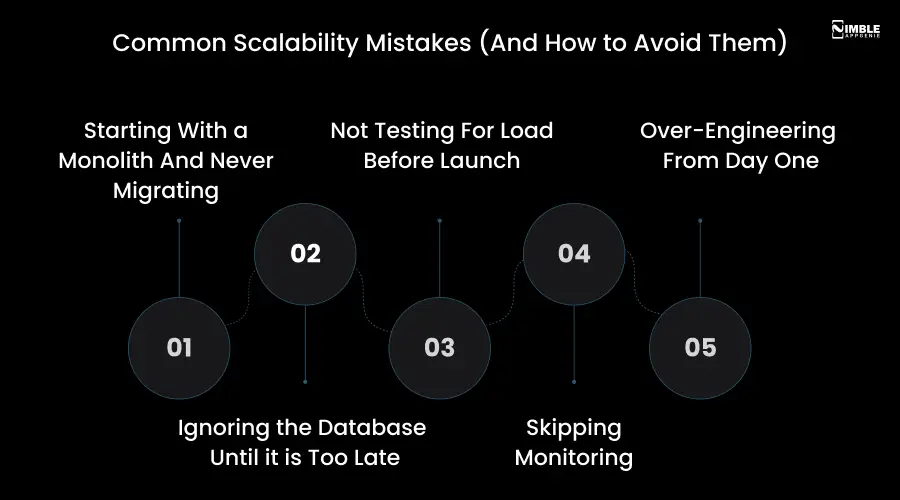
1. Starting With a Monolith And Never Migrating
Fix: You can begin with a monolith, but design it considering modularity so that later you can migrate to microservices.
2. Ignoring the Database Until it is Too Late
Fix: Before you have millions of rows, use real replicas, add indexes, and plan your data model.
3. Not Testing For Load Before Launch
Fix: Use tools like Locust, k6, or Apache to simulate thousands of users before you go live.
4. Skipping Monitoring
Fix: You can’t fix what you can’t see. Use New Relic, Datadog, or AWS CloudWatch to monitor performance in real-time.
5. Over-Engineering From Day One
Fix: You don’t need 1,000 microservices on day one. Create for your current situation, but design so you can expand.
Scalability in 2026: The New Trends You Need to Know
The scalability grounds have altered significantly.
Here is what’s changing scalability in web applications:
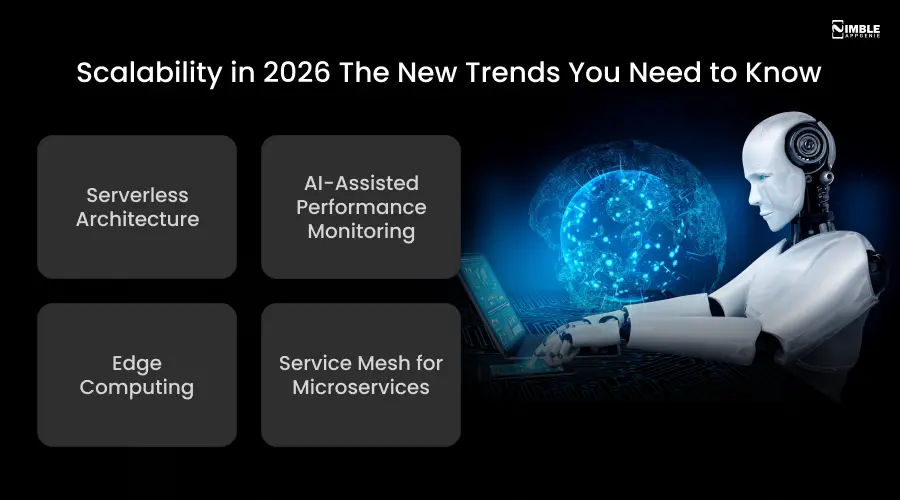
1. Serverless Architecture
Serverless doesn’t mean no servers. It just says you don’t have to manage them. Based on demand, cloud platforms automatically provision, run, and scale your code. You pay only for what you use. Google Cloud Functions, AWS Lambda, and Azure Functions are the most widespread options.
2. AI-Assisted Performance Monitoring
In 2026, AI tools will be chosen to predict traffic spikes before they happen, detect performance anomalies, and automatically adjust infrastructure in real time. This makes reactive scaling a past tale.
3. Edge Computing
Instead of sending each request to a central server, edge computing processes data near the user. This means better performance and lower latency for global users. Cloudflare Workers and AWS Lambda@Edge are leading the pack.
4. Service Mesh for Microservices
As apps expand to hundreds of microservices, handling their communication becomes complex. Services meshes like Linkerd and Istio handle security, traffic management, and observability automatically.
How Nimble AppGenie Helps You Build Scalable Web and Mobile Apps?
Scalability sounds good on paper. But getting it right in an actual project, with real deadlines, business needs, and budgets, is a different challenge. That’s where Nimble AppGenie comes in.
Nimble AppGenie is a full-service app development company that has helped startups, enterprise teams, and mid-market companies build apps crafted for growth.
The mobile app development team brings together cloud architects, senior engineers, and UX experts to create systems that don’t just work today, they work 10x your existing scale.
What Nimble AppGenie Does Differently?
- Microservices or modular monolith design based on real needs and stage.
- Scalability-first architecture from day one – no costly rewrites later.
- Performance audits and load testing before every major release.
- Cloud-native development on AWS, GCP, and Azure with auto-scaling built in.
- End-to-end support from ideation to post-launch scaling.
- Ongoing monitoring and optimization, not just build-and-forget.
Whether you are developing your first MVP, migrating a legacy system, or scaling a product that is already live, Nimble AppGenie has the proficiency to get you there smarter and faster.
Conclusion
Application scalability is not only a technical requirement anymore. In 2026, it’s a business requirement. Apps that slow down in traffic lose users instantly. And, apps that crash during growth moments lose trust permanently.
The good news is that building a scalable app is more accessible than ever. With cloud platforms providing serverless computing, diminishing infrastructure issues, auto-scaling, and proven patterns like caching and microservices available to any team, the barrier to developing at scale is lower than it has ever been.
But strategy still matters more than tools. The right architectural decisions, made initially, are what distinguish apps that scale exceptionally from those that struggle and stall.
If you are ready to build an app that expands with your requirements, partner with a team of developers that has done it before. Build your scale app with Nimble AppGenie. Schedule a free consultation now.
FAQs

Sunil serves as the Lead Android Engineer at Nimble AppGenie, recognized for his expertise in building robust, scalable mobile solutions across diverse industries. From seamless API integrations to optimizing OS-level performance, Sunil focuses on delivering high-speed, secure applications that stand out in a crowded market. Outside of the tech world, Sunil is a fitness enthusiast who enjoys morning runs and finds his peace playing badminton on the weekends.
Table of Contents




No Comments
Comments are closed.